Learn how to migrate existing infrastructure to Terraform without downtime: import methods, state setup, refactoring, and governance that prevents drift.

Agentic Unconference 2026 - September 19, Chennai
View Event →


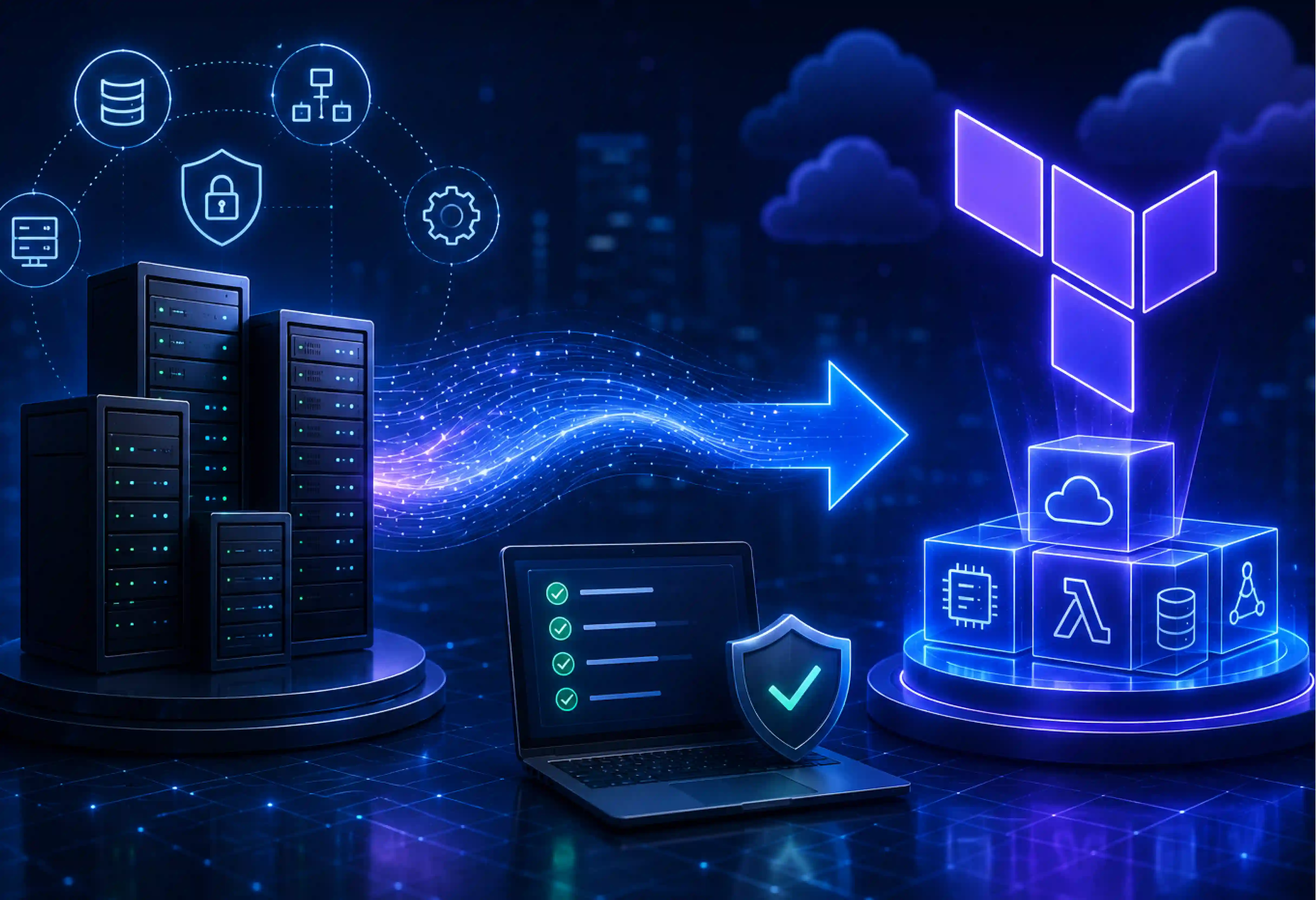


Look at your current cloud infrastructure. But do you know who changed the security group setting yesterday? Keeping track of it manually and relying on it can take a lot of time. Moving to Terraform - an Infrastructure as Code (IaC) tool is the standard path to achieving drift visibility, ironclad change control, and repeatable deployments.
But the biggest concern about migrating existing infrastructure to Terraform is the risk of disrupting production. By carefully importing existing resources into Terraform, validating configurations, and migrating in phases, organizations can adopt Infrastructure as Code while keeping production systems running.
In this blog, we will illustrate how to migrate existing infrastructure to Terraform safely.
Organizations often migrate existing infrastructure to Terraform through cloud consoles or using other Infrastructure as Code (IaC) tools. Migration is all about bringing the existing resources under Terraform management without disrupting production environments.
Terraform migration is a process of creating a Terraform configuration for existing or new cloud infrastructure under the management of Terraform’s Infrastructure as Code (IaC). An important difference to note is that the import of resources to Terraform state is just the first step in the migration process. The team still has to configure their Terraform code to reflect the imported infrastructure correctly.
Terraform import function scans your cloud resources and collects information regarding those into the Terraform state file on the local or remote system. In simple terms, it’s just a metadata operation that does not affect your live resources in any manner.
When you import the resource:
So after deciding to Terraform, your approach will fall under one of two categories depending on what you are starting with.
A Greenfield approach is used when building something brand new or when you recreate the environment from scratch. It’s clean, free of historical technical debt, and allows you to test your code safely in isolation. This approach offers consistent architecture, standardized resource naming, cleaner module design, and fewer legacy configuration issues.
A Brownfield approach is used when you have a massive footprint of existing cloud infrastructure (i.e production) that must continue operating throughout the migration. The steps are
This methodology reduces risks since existing services will be left intact while Terraform starts managing them.
Most companies start their journey with the development of infrastructure using cloud consoles or the command-line interface. As time goes by, the infrastructure gets more complex, and the administrators use shell scripts, PowerShell, or cloud provider-based solutions to automate the process.
Such an approach is valid at first, yet there are some problems like:
In the end, infrastructure becomes very knowledge-dependent. The main reasons organizations adopt infrastructure as code with Terraform
It is not true that every migration in the Terraform environment goes the same way. Companies that have developed cloud environments can use a brownfield migration process, which implies importing data in batches and verifying each step of the process. It is often useful for new apps to have a greenfield migration.
The main migration strategies differ in how they discover existing resources and how much manual work they require.
.webp)
An infrastructure migration that succeeds requires much more preparation than just moving the first resource. Two decisions made at the beginning of your migration process will influence everything else you do in the future: the decision about the Infrastructure as Code system to use and the setting up of your secure remote state.
Both Terraform and OpenTofu use a similar kind of workflow and configuration language. The decision is less about technical capability and more about governance, licensing, and long-term strategy.
Importing resources into the local state file is one of the most typical migration errors. The risk involved in the local state is that it is hard to manage, secure, and recover.
It is important to create a remote state file backend before importing any resources. A correct setup of the backend will give you:
An Amazon S3 bucket along with DynamoDB for locking is used in most cases in AWS environments. There are also comparable backends available in other cloud platforms.
Bringing manual or scripted cloud resources under the control of Infrastructure as Code (IaC) doesn’t have to be a high-stakes guessing game. By correct planning and following a structured, step-by-step framework, one can map live infrastructure into Terraform with zero impact on production.
Before writing a single line of HashiCorp Configuration Language (HCL), one must know what is running in your cloud environment. Missing dependencies or unmanaged resources can lead to incomplete configurations and unexpected drift later.
Utilize cloud native technology and metadata to identify:
Before proceeding, confirm that
Terraform needs configuration that describes every imported resource. One can write HCL manually or use import blocks together with generated configuration to reduce manual effort. If you are using Terraform 1.5+ or OpenTofu, you can utilize plannable imports using import blocks. This allows Terraform to automatically generate the required configuration files.
For example, declaring an import block creates an imports.tf file and defines the resources:
import {
To = aws_instance.web_server
Id = “ i-0123456789abcdef0”
}
Next, run the generation command in your terminal
Bash
Terraform plan -generate-config-out = generated_resources.tf
Terraform will automatically inspect the live i-0123456789abcdef0 instance and write the fully populated HCL code directly into generated_resources.tf.
Now that the code is generated, we need to link the real-world cloud resources to your Terraform state ledger. For larger migrations, import blocks provide a more scalable, plannable workflow. Import existing resources into Terraform because imports become part of the Terraform configuration rather than one-time CLI commands.
Now, after importing resources, validate that Terraform’s configuration matches the live infrastructure.
</> Bash
terraform plan - refresh-only
If the generated code matches your cloud infrastructure perfectly, the terminal will return the ultimate success metric.
Resources created with for_each or count require careful addressing during import.
For example:
Aws_instance.web[“production”]
This address for the import source should be identical to the address that is set up for the resource in the Terraform configuration. An addressing mistake will connect the state to a wrong resource, making further planning hard to understand. In case of importing sets of resources, check keys and indexes beforehand.
Once all the resources have been imported into Terraform and “No changes” is reported from terraform plan -refresh-only, that indicates Terraform can manage the infrastructure. From this point, changes should be made through Infrastructure as Code rather than cloud consoles, which helps to manage the drift.
Importing a small scale of resources into Terraform is straightforward, but enterprise migrations often involve thousands of resources across multiple accounts, subscriptions, projects, and regions. Use bulk discovery tools like Terraformer, former2, or Azure’s aztfexport to ingest sprawling environments quickly. Generated code contains duplicated resources, inconsistent naming, hardcoded values, and little modularization.
Large organizations typically adopt a migration-factory approach. With AI assistance, code generation and reconciliation can further accelerate refactoring by identifying duplicate patterns, suggesting reusable modules.
Choosing an experienced partner like Entrans can provide automated frameworks and deep architectural expertise. Contact us to learn more about Migration Scale Assessment.
Automatically generated Terraform configuration is great to use as a migration point; however, it will be unwise to use it as your definitive source code. Code generation solutions for HCL care about generating the most accurate representation of the infrastructure you have in place; they don't care about creating clear and easily managed code.
Break down the single-file configuration into isolated, reusable modules. Categorize and group related infrastructure components such as networking, databases, or compute clusters. This decouples the environment and ensures that an update to an application server won’t accidentally risk modifying core network routing tables.
Names used by generated code might have varying naming conventions. When carrying out refactorings, ensure that you have consistent resource names, labels, and tags. Good tagging allows for better governance, cost management, discoverability of resources, and compliance reports.
Do not repeat the same configuration on several resources. Instead, use variables, locals, and a modular approach to replace duplicated values. In the case where it is necessary, apply for_each or count when dealing with similar resources using a single configuration.
Terraform state file is a literal blueprint of cloud architecture because it stores sensitive credentials, API keys, and database passwords in plain text format. Store state in a remote backend rather than on local machines to enable collaboration, centralized management, and recovery. Enable state locking to prevent concurrent updates that could corrupt the state and ensure encryption at rest and in transit to protect sensitive data.
Prevent data loss using versioning, automatic backups, and disaster recovery strategies on the remote backend. Test state recovery regularly so that the infrastructure management process can continue even if there is any accidental deletion or corruption of data.
In case you have a security-minded organization, then state management is both a governance issue as well as an operational issue. With partners such as Entrans, you can get the proper backend architecture designed, access controls set up, and security and cloud services managed.
Importing existing infrastructure into Terraform is only the beginning. To get long-term success, we should follow governance that keeps the environment consistent and prevents configuration drift. Enforce a strict automated workflow: trigger a terraform plan on every GitPull Request (PR) for peer review, and execute terraform apply by merging with the main branch.
Perform drift detection on a routine basis by using the terraform plan command to discover any drift in your infrastructure that occurs outside of Terraform, thereby keeping your infrastructure aligned with the authorized configuration.
The Terraform migration depends on the number of resources and complexity of the environment. The primary driver of your timeline isn’t running the terraform import command - that takes seconds. Factors such as multiple cloud accounts, interdependent services, legacy infrastructure, custom networking, and compliance requirements can all be considered in influencing the timelines of migration.
Terraform migration is often considered successful only when the team follows a disciplined process.
To carry on with the Terraform migration, the organization must decide whether to do it with internal teams or bring in an experienced partner. The right choice depends on complexity and skills available.
Consider internal team
A migration partner will be helpful
Choosing an experienced partner like Entrans will bring in proven migration frameworks, automation, and governance practices to reduce risk and accelerate delivery.
Want to know more about it? Schedule a call to meet our team today.

The safest way is using import blocks to map AWS resources into a locked, encrypted remote state file. Start applying the changes only after the terraform plan reports “No changes”, ensuring existing resources remain untouched.
For Efficient bulk importing, use an automated migration-factory approach combining utilities like Terraformer or former2. Then refactor the generated configuration into reusable modules before managing future changes.
For production environments, use import blocks with the generated configuration for accuracy. Bulk tools like Terraformer are best for large estates but require cleanup and standardization afterward.
Yes. Generated configuration provides a solid starting point that reflects your existing infrastructure. Review and refactor it into reusable modules before treating it as production-ready code.
This happens because your generated HCL code contains a mismatch or missing argument compared to the real-world cloud configuration, causing Terraform to plan a destructive replacement.
Import each resource using its exact Terraform address, including the correct key or index. Verify the mapping carefully to avoid associating state with the wrong resource.

-1.svg)