Learn how to implement DevOps for legacy systems with practical CI/CD strategies, automation techniques, and modernization best practices.


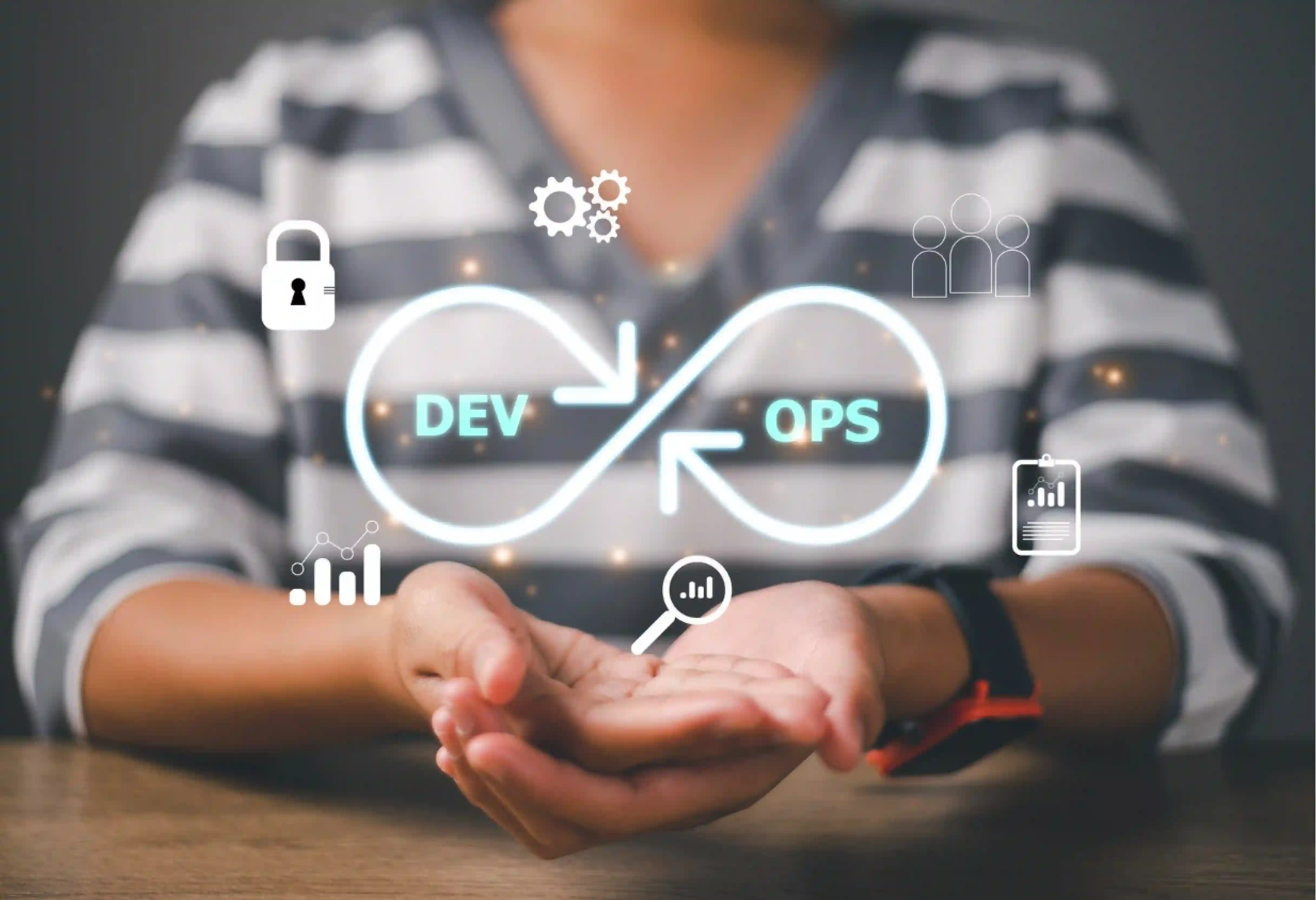


Bringing DevOps into legacy systems might sound hard, but the process can be broken down into clear stages of setting up standard rules and automating tasks.
Setting difficulty aside, businesses running mainly on older hardware setups spend roughly 60% to 80% of their total IT budgets just on keeping systems running!
This tech debt drives up IT support costs by 30% and slows down how fast a firm can roll out updates.
Getting used to using DevOps in legacy systems early can turn out to be a wise move that pays off, especially when leveraging proven devops strategies for legacy application modernization.
Which is why, here we will cover how adding DevOps for legacy systems plays out, what blocks you need to clear away, and the best practices for integrating devops in legacy system modernization:
The main problem with legacy delivery pipelines, which makes devops for legacy systems so challenging, rests in how they grew over decades.
Teams built them without thinking of CI/CD tools, group work, or ways to grow big. Which is clear given that 68% of companies say legacy systems come in the way of implementing AI systems and automation.
These past gaps show up as tight limits on how fast a firm moves. To truly grasp the edges, here are the main facts about legacy system limits:
Plans for adding DevOps into legacy systems often fail when tech leaders try to force modern CI/CD tools onto legacy setups and workflows that simply do not fit with steady delivery.
Most advice and devops strategies for legacy application modernization count on the following conditions:
In reality, the breakdown happens right where new tools meet old, tightly linked builds. Here is where it hits the hardest:
Large firm tasks often depend on huge Java systems running on legacy software. When implementing devops for legacy systems, trying to pack these complex blocks into Docker ends up creating huge issues for teams.
In fact, the massive size of the built files makes fast rollouts very unreliable.
The real and virtual hardware and cloud-based setup holding up these legacy pipelines is often highly complex, unrecorded, and deeply mismatched.
This deep lack of system rules makes automated, repeatable rollouts impossible without first carrying out a complete baseline rebuild.
In traditional older designs, testing usually happens as a highly manual, human-led task done only in final testing spaces.
Setting up automation for these older tests proves known to be very hard, as older systems hold thousands of complex, unrecorded rare cases.
In the field of large-scale data management, platforms like SAP, Talend, Informatica, and SAS have been running essential live workloads for over a decade.
These massive ETL tools restrict you with tight vendor limits, making new ways like version control or automated code review very hard to bring in.
Because the broader DevOps and Kubernetes spaces lean heavily toward Linux, executing devops for legacy systems by rolling out a legacy .NET application often means using Windows containers.
These containers take up heavy resources and prove hard to manage. Engineers often end up forced to keep up heavy, manually set up self-hosted runners.
Before writing a single rollout script or setting up a CI/CD frameworks, tech leaders must baseline their modernization strategy against a DevOps implementation guide, planned choices about how to deal with their legacy system.
Reaching elite DevOps status inside a legacy system proves to be very hard. Data shows that high-performing teams consistently use a highly planned, step-by-step method.
According to a DORA report, Elite teams roll out code up to 208 times more often and bounce back from incidents 2,604 times faster. Here is the step-by-step process for adding DevOps to legacy systems they carry out:
The first step in adding DevOps for legacy systems, and one of the core devops strategies for legacy application modernization, is updating the delivery pipeline and carrying out a strict check based on data and team habits. This step creates the visibility needed to apply CI/CD safely.
While there are several stages in the process of adding DevOps for legacy systems, following the best practices for integrating devops in legacy system modernization means cutting out process variation across the engineering department.
Teams must transition away from chaotic, unrecorded workflows.
Testing checks how well your code changes perform without breaking legacy features.
Because manual testing acts as the primary delay in older release cycles, teams must systematically clear it away when adding DevOps for legacy systems.
Creating reproducible setups clears away the issue of configuration drift.
This step in adding DevOps for legacy systems uses code to define hardware systems, making sure that the model holds up well under different conditions consistently.
DevOps for legacy system automation takes over exactly where the process connects the newly updated system to users relying on its outputs.
The system begins routing live traffic safely to updated modules.
The corporate world is full of failed, highly expensive legacy system update pushes that start from deep miscalculations. Adhering to the best practices for integrating devops in legacy system modernization will help you watch out for and steer clear of these ten errors:
Turning a brittle, unrecorded legacy system into a high-functioning DevOps pipeline demands a practical, phased plan that explicitly highlights step-by-step value delivery.
Before changing code, carry out a strict check based on data. Map out a detailed Application Portfolio Map that catalogs every legacy system part, hardware link, and external connection point.
This phase in DevOps for legacy systems yields a calculated plan that clearly puts workloads in order, allowing the engineering team to secure early successes and build company confidence.
Secure the operational space ruthlessly. Move over to treating Hardware Systems as Code by relying on tools like Terraform or Ansible to script environment setup.
At the same time, set standard build environments using DevOps for legacy systems with defined rules to permanently remove the works on my machine issue.
Clear away manual testing delays by setting up a strictly risk-based automated regression suite centered on primary business workflows.
Apply full-stack system tracking with detailed logging, tracked paths, and real-user monitoring wired directly into the rollout pipeline. Spell out and track strict Service Level Objectives (SLOs) with DevOps for legacy systems in real-time.
Actively start separating the large legacy system using Domain-Driven Design and API interfaces.
Lean on the Incremental Replacement pattern to gradually route live production traffic over to newly updated, containerized services.
Tap into sophisticated feature flags to switch new features on and off instantly, reaching true Continuous Delivery.
Entrans is an experienced AI driven company that specializes in DevOps services, and has worked alongside 50+ companies, including Fortune 500 enterprises.
Which is why, Entrans also stands ready to take on complex legacy system updates, hardware system automation, and product engineering completely.
Want to put modern DevOps into practice but find yourself working with highly rigid, heavily dependent legacy setups?
From CI/CD setup to IaC scripting and full-stack API decoupling, our DevOps experts carry out projects using industry veterans under NDA for full confidentiality.
Want to find out more? Why not reach out for a free consultation call?
The primary benefit lies in moving away from highly risky, massive release cycles toward fast, dependable, and constant software delivery. Elite teams that use effective devops strategies for legacy application modernization roll out code up to 208 times more often and see a 50% drop in defect rates.
The Incremental Replacement pattern acts as a method where developers build up a new, updated system step by step alongside an old legacy system. Traffic slowly shifts over to the new module until the old system phases out of existence completely without system downtime.
Containerization technologies like Docker step in as highly effective entry points to modern operations, making devops for legacy systems much more achievable. They let teams cleanly wrap up rigid legacy links, like specific OS libraries, without asking for basic changes to the legacy source code.
In legacy setups, testing usually acts as a highly manual task carried out right before release. Automating these tests proves hard because older systems hold thousands of complex rare cases that rely on specific, highly dependent data states.
Application logic and data schemas in older systems frequently end up deeply tied together. Failing to treat data as a primary update workstream means the newly agile application will inevitably stall at the rigid older database level.
Elite teams do not freely let AI rewrite primary older algorithms, as that action blows up broken processes. Instead, they call on AI with a calculated plan to cut down administrative burdens, churn out baseline unit test scripts, and help with reverse-engineering complex business logic safely.


-1.svg)