Discover 9 UI design patterns that define the best user interfaces in enterprise AI agent development and help your agents move from pilot to production.

Agentic Unconference 2026 - September 19, Chennai
View Event →





Do you know that enterprise failures are due to UX friction and not model performance? The best user interfaces are treated as products by making their reasoning, actions, and approvals visible. It creates trust in the user, and the best user interfaces for enterprise AI agents solve this by exposing, reasoning, guiding approvals, and rendering outputs as interactive components.
In this blog, we will see in detail the best user interfaces in enterprise AI agent development, how many design patterns are there, and how they turn AI from an experimental tool into a reliable part of everyday work.
Enterprises often prefer choosing the right model, but the interface determines whether users actually trust and adopt the agent. According to recent industry benchmarks, 70% of enterprise agent failures are attributed to poor UX and interface friction, not the underlying model performance. Even the most intelligent agent is useless if the user cannot trust its process or control its output. Poor visibility, unclear workflows, and a lack of user control lead to abandoned pilots. But sometimes, well-designed UI also fails. Ensure that it answers what the agent is doing right now, how confident the result is, and override the output.
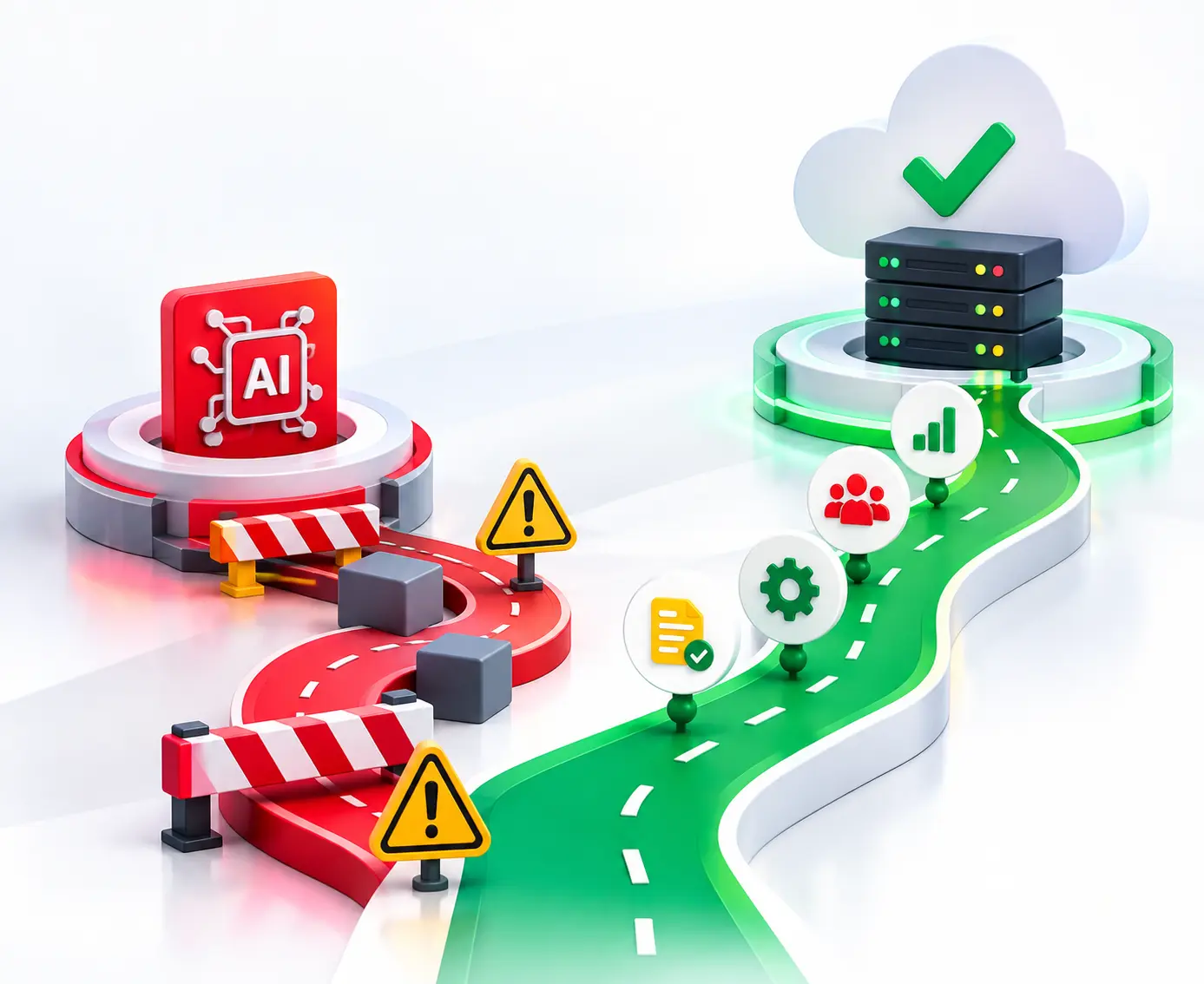
Still, capable models can underperform in production due to the following reasons.
As AI agents transition from simple chatbots to autonomous agents, the interface must evolve to support complex workflows, transparency, and safety. Below are the essential interaction patterns for modern enterprise AI. The interaction models are
The simplest paradigm is a chat-first experience where users interact entirely through natural language. A standard back-and-forth chat interface suitable for discovery and basic Q&A. Its major strength is accessibility, but when users need structured outputs, approvals, or workflow controls, it becomes limited.
A UI focused on specific outputs, such as onboarding a vendor, analyzing a contract, or generating a financial report. The conversation is secondary to the goal.
Both the user and the agent can initiate actions, suggest changes, or ask for clarification, suggest next steps, or proactively surface insights. It creates a collaborative approach that is ideal for decision support and multi-step enterprise processes.
AI capabilities live directly within existing workflows, providing context-aware assistance without requiring a context switch. Enterprise brings AI assistance directly into applications such as Salesforce, SAP, and ServiceNow. Users receive contextual guidance without leaving the tools they already use.
The various design patterns are discussed below, and the right design depends on task complexity, compliance requirements, and user context. Look for the recommended enterprise AI development providers that can help by identifying vendors that offer these modular UI frameworks. Your internal development process can be improved by adopting the standard practices used by these industry leaders.
In addition to mastering these interface frameworks, your overarching strategy can be improved by leveraging generative AI engineering services to ensure your underlying models are optimized for complex workplace tasks. Deploying specialized agent development methodology can also be helpful when your goal is to build highly autonomous systems that seamlessly sync with these front-end patterns. For teams focused purely on conversational workflows, the integration process can be helped by utilizing dedicated enterprise AI chatbot development services to streamline customer and internal communication touchpoints.
This pattern type shows chat on one side and the agent’s reasoning and action stream alongside the output on the other side. This shows real-time transparency, allowing users to see which tools are called and which data is being fetched as it happens. It builds trust and reduces the black box effect.
Following concepts popularized by CopilotKit, this pattern allows the agent to render functional UI components (like interactive tables, calendars, or sliders) directly in the chat stream. So rather than returning only text, the agent dynamically generates interface elements such as forms, charts, and approval dialogs.
Dashboards help us to give insights into tables, visualizations, and KPI summaries. This type of pattern is mostly used in finance, supply chain, and business intelligence use cases. It is essential for agents performing market analysis or supply chain monitoring, where structured data visualization is more effective than a conversational summary.
Enterprises need to handle diverse data types. These interfaces seamlessly handle Text + charts + files + Voice. Users can ask questions, attach files, review visual outputs, and continue the natural conversion.
Human oversight is critical for regulated industries such as banking, insurance, healthcare, and legal services. This pattern ensures accountability while allowing agents to automate repetitive work.
The agent pauses and requests permissions before executing high-risk actions.
Visualizes exactly what the agent proposes to change in a document.
Automatically generate a log that shows who has approved what and when for compliance.
It mainly focuses on stakeholders, not only the users. It provides agent reasoning, showing the logic path, confidence scores, and source citations to ensure the system is behaving as expected. These views help developers, auditors, and business stakeholders understand why the agent behaved as it did.
In multi-agent UIs, users need a way to pivot between specialized agents. This UI provides a clear understanding of how to select, manage, and even orchestrate teams of agents. Persona switchers and agent catalogs simplify discovery and encourage reuse across departments.
Agents are most effective where the work happens. This type of pattern involves deep integration into platforms such as Salesforce, SAP, or ServiceNow. They provide assistance exactly where users work. The agent understands page context, user permissions, and business objects to deliver highly relevant recommendations.
Field technicians, sales representatives, doctors, warehouse managers, and inspectors often need hands-free access to AI assistance. Mobile and voice interfaces enable users to query data, update records, and receive guidance in real time.
Creating a UI from scratch can be time-consuming, but with the help of a growing ecosystem of frameworks that help teams build conversational, task-oriented, and generative interfaces faster while handling streaming, tool execution, and state management. The specialized frameworks reduce engineering effort and provide proven patterns for building production-ready experiences.
Chainlit is a Python framework designed for building chat-based AI applications. Its multi-step reasoning support automatically creates nested views for tool calls so users can see exactly when an agent searches the web or executes code. It is best suited for internal tools, rapid prototyping, and Python-heavy backends (Langchain, Autogen).
Langchain and Vercel AI are considered the industry standard. They offer a highly flexible stack for custom AI applications. LangChain.js manages orchestration, while Vercel AI SDK simplifies streaming responses and frontend integration with frameworks like Next.js. It is best suited for production-grade custom UIs, full-stack TypeScript teams, and multi-model applications.
CopilotKit is unique because it doesn’t just provide a chat window. It provides a way to connect the agent to the existing app state. Its chat+ concept combines conversation with dynamic UI components, allowing agents to render forms, tables, and actions in response to user requests. It is best suited for embedded copilots, SaaS products, and workflow automation.
AG-UI (Agentic UI) and A2UI (Agent-to-UI) are emerging patterns and protocols that say agents communicate structured interface instructions to the frontend. These approaches make it easier to build reusable, model-agnostic UI layers for complex enterprise agents. It is best suited for multi-agent systems, vendor-agnostic architectures, and dynamic UI generations.
AG-UI → handles bi-directional sync between the agent backend and frontend.
A2UI → ensures the agent doesn’t have to write custom HTML for every platform.
Streamlit and Gradio are good for creating internal tools and proof-of-concept applications.
Streamlit → offers more editorial control and layout flexibility. It is best for agents who generate full-page reports, dashboards, and complex data visualizations.
Gradio → It is highly optimized for ML Model I/O. Gradio gives good pre-built components for audio and video if the agent is focused more on multimodal tasks.
Even the most sophisticated AI agent will fail if the user feels confused. To build an "intelligent" backend, we must avoid these common design traps, which are what actually keep users coming back.
Users enter a prompt, wait, and receive an answer with no indication of what the agent did to reach it. It kills the user’s trust. To overcome this, show progress stages such as planning, searching, and analyzing, surface source references, and tool activity.
Chat is powerful, but asking users to describe every action in natural language creates friction and inconsistency. Users often don’t know what the agent is capable of. It leads to prompt paralysis or frustration when the agent fails to understand a vague request. To overcome this, incorporate suggested actions, buttons, and structured inputs, and offer suggested prompts and next actions.
If users cannot reverse an action or review what happened, they will hesitate to let the agent perform meaningful work. It will become problematic in regulated environments. To overcome this, implement approval gates and a clear history tag. Every action taken by the agent should be reversible and attributed to a specific action so that users feel safe.
Even a short delay feels longer when users do not know whether the system is working. Silence during processing often leads to repeated submissions or abandoned sessions. To mitigate this, stream partial responses, display estimated completion steps, and show typing indicators and progress bars.
The best user interface and the experience given by it transform the AI agents from experimental tools into trusted digital coworkers. Companies that fail to prioritize observability and Human-in-the-Loop (HITL) controls will see their AI pilots stall in staging. But Entrans approaches Agent UI through a proprietary “Autonomy Continuum” framework by ensuring AI never outpaces human oversight.
Learn about how we design the best user interfaces in enterprise AI agent development that users trust, compliance teams approve, and allow business leaders to make a smarter move. Book a consultation call with us!

The best user interfaces in enterprise AI agent development depend on your needs. React-based frameworks such as Next.js with tools Tailwind CSS and shacn/ui are popular for building responsive AI agent interfaces. For Python developers, Chainlit and Streamlit are the industry standards for prototyping.
Generative UI is a front-end architecture where the interface is dynamically generated in real-time, such as forms, tables, and charts, based on user intent and context. The agent sends structured data (like JSON) to the client, which renders into functional, interactive components such as flight selectors or custom dashboards.
While designing the AI agent interface, priority transparency and control are achieved by surfacing the agent’s internal plan and allowing users to pause or override actions before they execute. Show what the agent is doing, what it needs from the user, and how to intervene or review outputs.
A2UI (Agent to UI) focuses on protocols that let agents describe UI widgets like cards or forms.
AG-UI is the communication protocol or bridge that handles bi-directional transport and state synchronization, where interfaces adapt dynamically to agent behaviour and user context.
To show agent reasoning in the UI, implement collapsible thought traces or logs that show intermediate steps, tools, and data sources used to conclude. This improves transparency while keeping the experience understandable and secure.

-1.svg)