Agentic Unconference 2026 - September 19, Chennai
View Event →


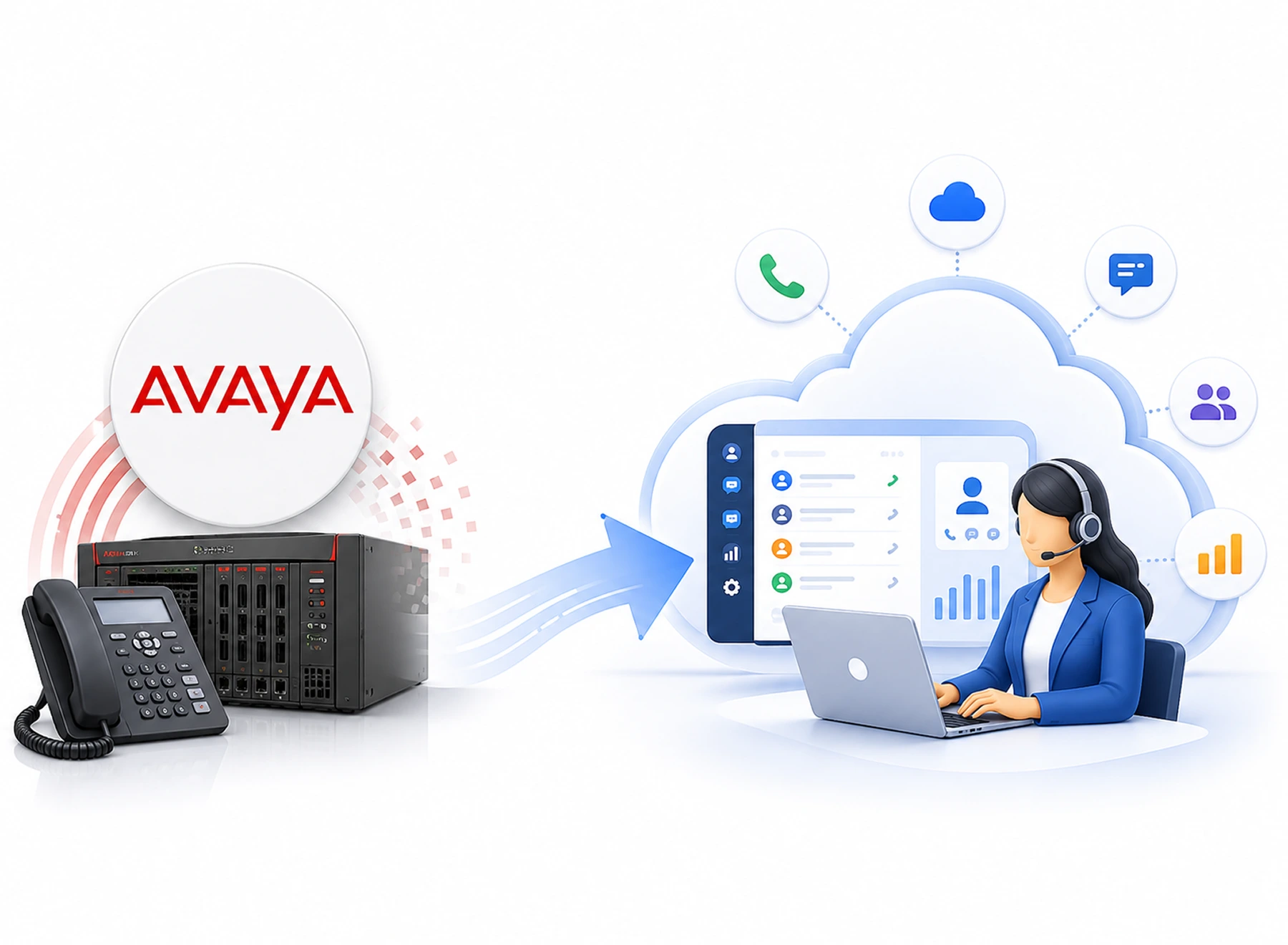
Leaving your contact center on Avaya does not necessarily mean rebuilding it. Our Avaya migration services cover the complete journey migrating from Avaya to a cloud contact center. We take end-to-end ownership. We handle each stage. This keeps your new cloud contact center and communications environment running smoothly.

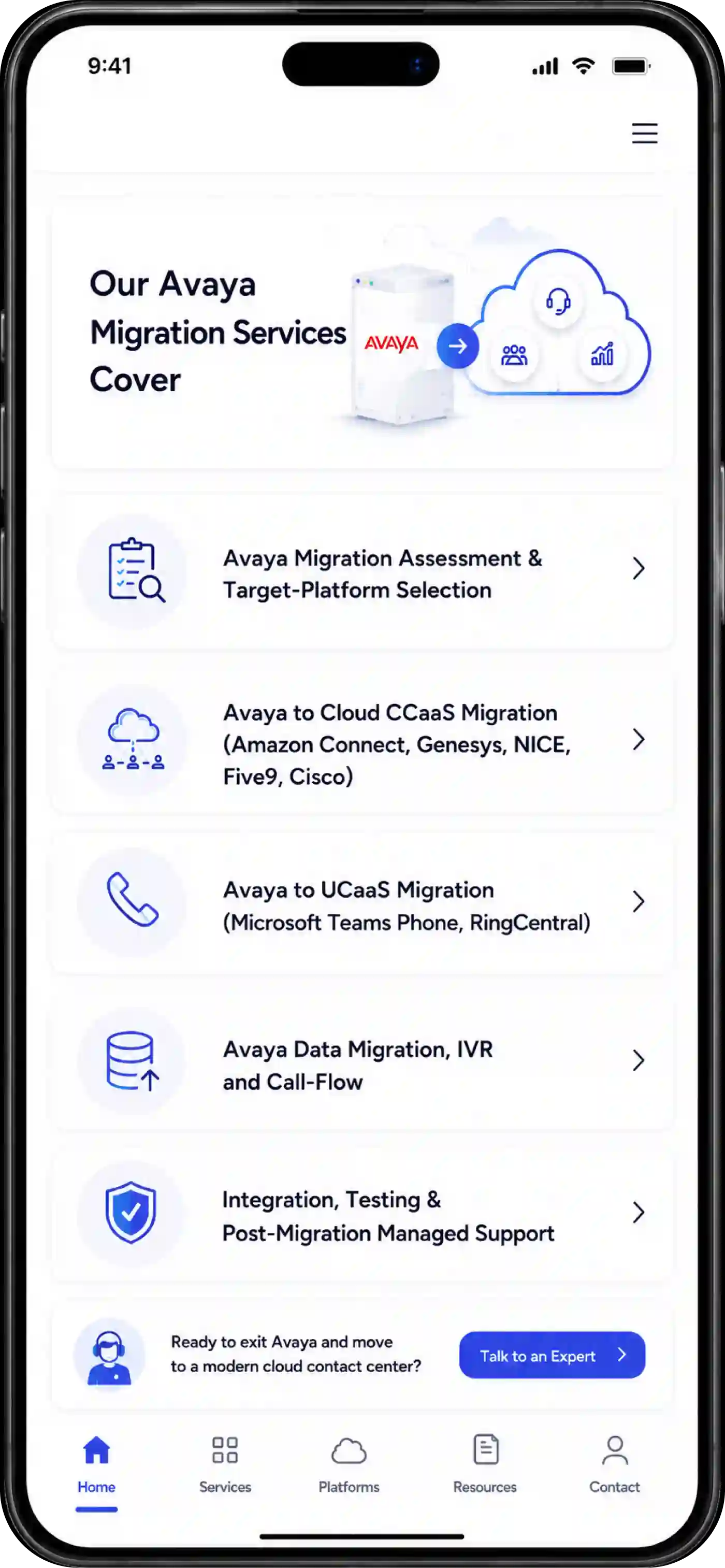
The beginning of our Avaya migration assessment involves a thorough examination of your current Avaya infrastructure. This includes dependencies, active licenses, and system usage. We analyze your telephony configurations, call flows, integrations, data, and your business requirements. Using our expertise, we determine the appropriate cloud platform for your needs. Options include Amazon Connect, Genesys, or Microsoft Teams.
We assist you in moving from an Avaya on-premises system to leading cloud contact center-as-a-service solutions. These include Amazon Connect, Genesys, NICE, Five9, and Cisco. Avaya CCaaS call center system migration involves transferring call routing, UVR, queues, and agents. It also includes moving numbers, reporting, and integration components from an on-premises solution. Our experts will configure your new cloud environment. They will implement various agent processes, along with AI-powered components. The primary aim here is to preserve customer interactions in a cloud environment.
We handle Avaya PBX to modern UCaaS platforms. These include Microsoft Teams Phone or RingCentral. UCaaS migration includes handling voice, users, extensions, calling features, and numbers. It also covers devices and business workflows. If you require migration for legacy telephony services or even migration towards UCaaS, we will help. We ensure that all the necessary tasks are done.
Yes, your Avaya environment holds more than phone numbers. It contains years of call flows, IVR logic, routing rules, prompts, and operational data. We take immense care in extracting Avaya call flows, IVR scripts, historical data, and recording archives. The next step is recreating and modernizing them in new cloud systems. From IVR menus and queue logic to call recordings and historical data, we help. We carry forward what matters while removing outdated complexity.
A successful Avaya exit does not end when the new platform goes live. Your cloud-based contact center is integrated within your enterprise applications. These include your CRM, Workforce Management, Reporting, and Identity. Your calls, routing, integration, and use cases will be tested completely before going live. We offer you direct managed assistance after the migration process. We provide continuous monitoring of performance and training for your team. This makes sure everything works seamlessly and without problems.
Leaving Avaya does not mean leaving off the customer conversation in the middle. Our proven, step-by-step methodology ensures a seamless transition to the cloud. Our skilled expertise helps make the team productive and the customer experience completely uninterrupted every step of the way.

Before migrating from Avaya to a cloud contact center, we need a clear picture. We need to see what is running today. Our team audits your active licenses, users, extensions, and telephony setup. We review call volumes, trunking, custom routing rules, and underlying infrastructure to identify hidden operational risks. By mapping out every dependency and usage pattern, we identify potential risks associated with the migration. This discovery phase gives a clear starting point. It helps to shape the migration plan.

Next, we design a cloud architecture that aligns with your business goals. We can assist with defining the appropriate platform choice for you. Be it Amazon Connect, Genesys, NICE, Five9, Cisco, Microsoft Teams Phone or RingCentral – we will build the future state environment according to your business requirements. We create an extensive, well-defined roadmap with timeline, resource requirements and contingency planning. It addresses all aspects including platform architecture, workload, dependencies, migration waves, timeline, accountability and cutover planning.

Based on the target environment, we align your IVR processes and call flow. We align call routing, prompts, queues, number recording, and other related data. For those instances wherein the current workflow does not work for cloud computing, we help. We design a better solution for cloud-based environments instead of replicating the old system.

A big bang migration will always cause unnecessary pressure. So the best way is to break the migration into manageable phases. It is done based on users, teams, locations, workloads, or business functions. While doing a parallel run, the Avaya and new cloud platform can validate their behaviour. This phased approach guarantees continuous uptime so your business stays fully reachable and keeps business operations moving throughout the transition.

Our team conducts rigorous end-to-end sandbox testing. We validate audio quality, failovers, CRM integrations, and peak traffic capacity. We validate inbound and outbound calling, IVR menus, routing, and queues. We also validate integrations, reporting, failover scenarios, and user access. Avaya cloud migration security compliance is built into the process based on the requirements. With proper testing, we eliminate the issues before the cutover. Thus, we prevent them during live customer interactions.

When it’s time to officially switch off Avaya, we execute a seamless cutover during low-impact hours. When the new platform is ready, we plan the Avaya cutover carefully. We build this around business priorities, traffic patterns, support coverage, and rollback needs. Even after go-live, we provide immense support. We keep a close watch on calls, routing, integrations, user issues, and platform performance. After launch, we continuously optimize your new cloud setup. This ensures your teams deliver exceptional customer experiences from day one.
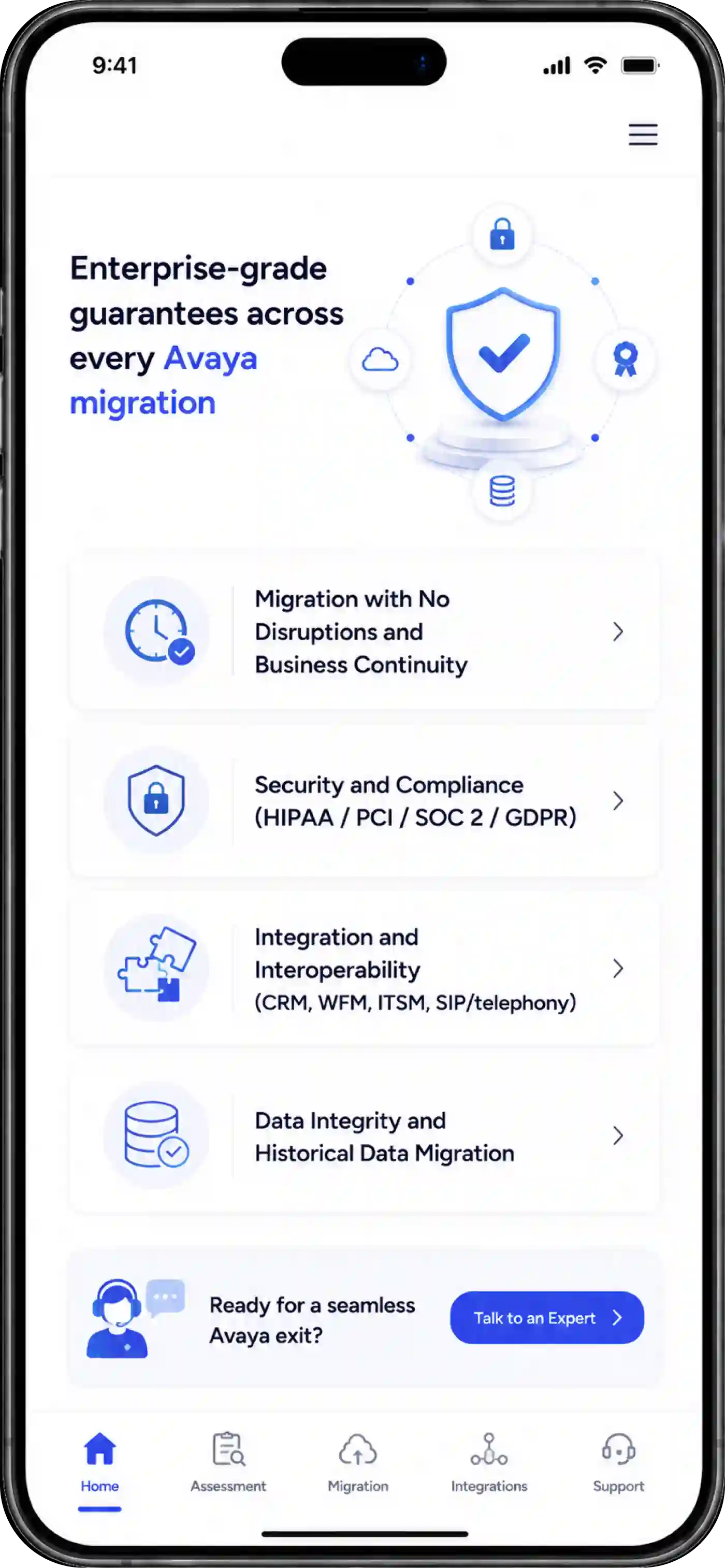
Our Avaya data migration includes strict, enterprise-grade guarantees. We ensure ironclad security, uninterrupted operations, and complete data integrity. Because of this, you can move to the cloud with total confidence.

We guarantee zero unexpected downtime while moving you off legacy Avaya. We carry out phased rollouts and parallel-run environments. Through this, we plan migration waves around your business calendar, call volumes, and operational priorities. Rollback plans and hypercare support add another layer of readiness. They ensure smooth operations when your new cloud contact center goes live.

Security and compliance stay part of the migration from day one. We build strict enterprise-grade safeguards directly into your new environment to keep call recordings, customer records, and sensitive data fully protected. We also account for encryption, identity controls, audit trails, data handling, and retention needs.

We ensure smooth, native interoperability between your new cloud platform and existing tech stack—including CRMs like Salesforce, workforce management tools, ITSM platforms, and SIP trunking. We validate APIs, data flows, authentication, call controls, and real-time interactions during testing. The goal is a cloud contact center that works with your existing business ecosystem.

Leaving Avaya doesn't mean leaving your valuable operational history behind. We make sure that your old call history, customer interactions, IVR configurations, and voice files are extracted, cleaned up, and transferred into your new cloud storage space. We decide which information needs to move over, which can be stored, and which is better off staying put. We also perform validation checks on the data to ensure its accuracy and usability post-Avaya migration.
Avaya is not universally end-of-life in 2026. But it continues to release and support products. Migration can now prevent escalating maintenance costs, potential security flaws, and vendor lock-ins. The migration services offered by Avaya enable cloud-native AI capabilities, increased reliability, and integrated communications.
An Avaya migration process with minimal disruption timeline typically ranges from 6 to 12 weeks for mid-market organizations. For complex enterprise contact centers, it takes up to several months.
Yes. Standard Avaya data migration services transfer your historical call recordings, CRM data, and user directories using automated migration tools. IVR flows can be redesigned or rebuilt to match the new platform. Then transfer recordings and data based on retention, compliance, and storage requirements.
Avaya cloud migration security compliance is provided by encryption, role-based access, secure data transfer, audit logging, and access controls. Compliant performance of regulatory standards, including HIPAA, PCI DSS, SOC 2, and ISO 27001, is ensured through automated audit logging.
Yes, you can definitely transition all your existing Avaya systems into cloud-based PBX services, as there is always a way to map your existing call flow, extension functionality, and CRM integrations into your cloud UCaaS solutions such as Microsoft Teams and RingCentral. The process of transitioning from Avaya to cloud depends on a number of factors.