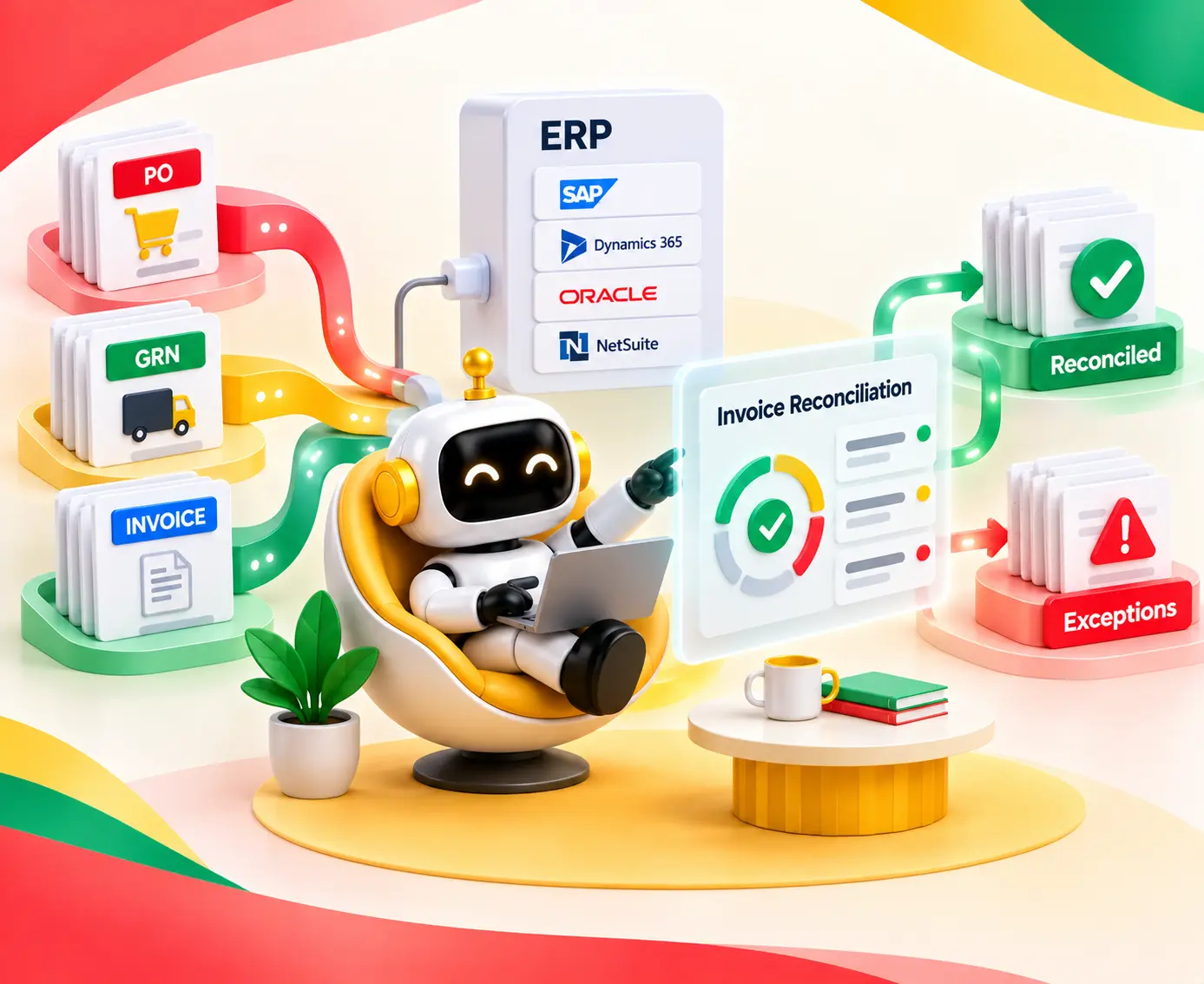
Amazon Redshift to Snowflake Migration explained with best practices, migration steps, costs, validation, and expert tips for a successful cloud migration.

Agentic Unconference 2026 - September 19, Chennai
View Event →


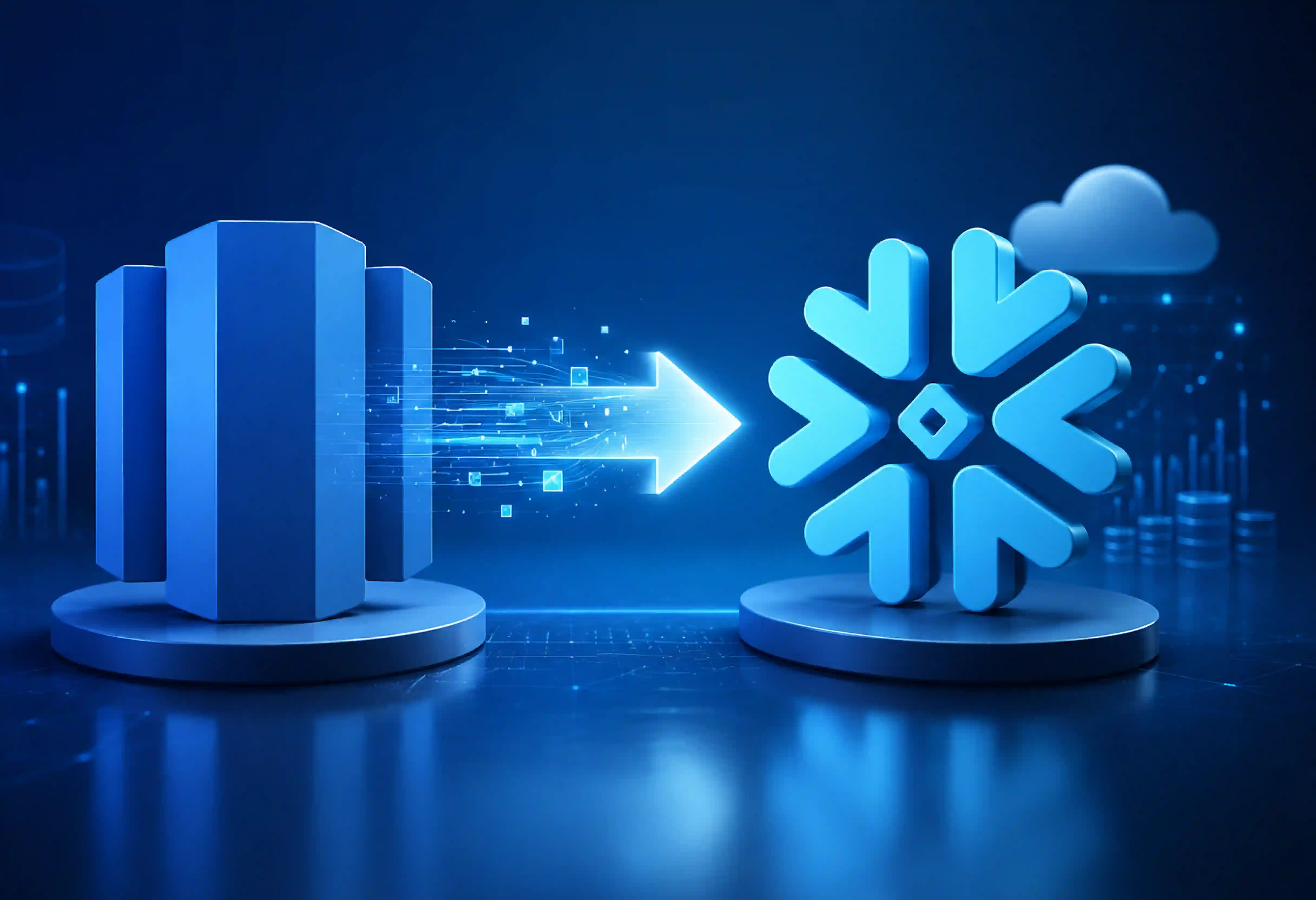


Do you belong to that group of people who see a data pipeline as a challenge, not an opportunity? Companies working with Amazon Redshift face a series of challenges, such as a constant need for tuning clusters, growing maintenance costs, and delays in querying data when using ETL techniques. Migration to Snowflake may become a good opportunity for you to reevaluate approaches to data storage, processing, exchange, and analysis.
The current blog post will discuss Amazon Redshift to Snowflake migration.
For some time, Amazon Redshift dominated the cloud data warehouse market. However, in today’s market, there is a need to decrease management complexity, accommodate dynamic analytical workloads, and prevent resource conflicts. The primary reasons why one should migrate from Amazon Redshift to Snowflake include
The proper migration process from Amazon Redshift to Snowflake offers knowledge about data storage, processing, governance, and consumption. Below are some best practices that should be followed when performing an Amazon Redshift to Snowflake migration process.
It must be pointed out that the migration process from Amazon Redshift to Snowflake can be described as one that requires proper planning for its successful implementation.
The first step towards the migration process is an analysis of the current Redshift environment. This includes the analysis of schema, total volume of data, and dependencies in it. The above analysis will be conducted for the following: Databases, database schema, tables, views, stored procedures, functions, SQL queries, ETL/ELT Pipeline, BI tool, users, and permissions. What needs to be highlighted here is the fact that Redshift and Snowflake treat NULLS in a different manner.
Design your Snowflake environment before running a single script. Set up database structures, virtual warehouse sizes, role hierarchies, data retention policies, and cost-monitoring controls upfront.
Redshift and Snowflake both have unique properties pertaining to storing and querying data. The unique properties of Redshift are listed below:
Distribution Key, Sort Key, Compression, Workload Management, Stored Procedure, User Defined Function, External Table, Spectrum workloads. Align the design of Snowflake according to the above-listed properties rather than copying the source properties.
Export historical data out of Redshift into Amazon S3 staging buckets using parallelized UNLOAD commands with compression. Once staged, load the files into Snowflake using COPY INTO commands or automated Snowpipe pipelines.
Export existing historical data from Redshift into Amazon S3 staging buckets using the UNLOAD command. Historical data mainly consists of data that is static or changes infrequently. To maximize transfer throughput and efficiency, export data in parallel and compressed formats.
After loading the data into Snowflake, compare source and target datasets using row counts, aggregates, checksums, null counts, and sample records.
Historical data is simply not sufficient in case Redshift is still operational during migration. It is necessary to create a procedure for the extraction of changes after the initial import operation.
Depending on the nature of the load, it may be periodic exports, change-data-capture techniques, or any other form of data replication. Continue synchronization until the cutover stage.
Establish CDC/Incremental Sync Pipelines to alert Snowflake about any active transactions while testing the environment. In addition, make changes in the queries that are used for the analytics and the connection string for the BI tool, along with ETL/ELT pipelines such as dbt, Airflow, or Informatica using Snowflake connections.
Check all the pipelines that read/write into/from Redshift. Configure the connections, SQL commands, transformations, scheduling, authentication, and other dependencies to Snowflake. Test the pipelines separately before connecting them to production.
Modify dashboards, reports, semantic model, and analytical applications to connect to Snowflake. Test the key reports for functionality using Redshift and Snowflake by checking whether metrics, filters, joins, aggregations, and business logic function correctly.
Run both Redshift and Snowflake in parallel. Compare data, pipeline results, dashboards, query performance, and business outputs. Resolve discrepancies before switching production workloads to Snowflake.
Data validation should be performed during the entire process of migration and not just after its completion. This is related to row count, data type, nulls, duplicates, aggregation, referencing, checksums, queries, and business statistics.
After the performance benchmarks have been validated and the end-user testing has been completed, we can finally start shifting the burden from the current Redshift Cluster to Snowflake.

To make full use of the capabilities of the new Snowflake technology stack, you need to optimize and govern accordingly.
Snowflake’s compute model is fundamentally different from Redshift’s fixed clusters. Set development and ad-hoc warehouses to auto-suspend after 1–2 minutes of inactivity to avoid paying for idle compute. Downsize oversized warehouses and leverage Snowflake’s multi-cluster auto-scaling for high-concurrency BI tools rather than over-provisioning single large warehouses.
Technological verification alone is not sufficient. Verify dashboards, reports, KPIs, and analytical tools that are linked with Snowflake. Match critical reports with their Redshift counterparts and check filters, joins, calculations, and other business metrics.
Apply Role-based Access Controls to users according to their roles, service accounts, and applications. Check role assignment, authentication, encryption, masking policies, audit logs, and access to sensitive data sets.
Monitor ETL and ELT pipelines carefully post-cutover by looking into pipeline schedules, freshness of data, any failed pipelines, transformation of data, and dependents.
Make sure to get alerts for failed and delayed pipelines to ensure that problems are sorted out before impacting business reporting.
This will be one of the crucial post-migration considerations for future growth. Make sure that the entire team is informed about the new system and support them accordingly. Once validation is complete, make the BI tools point to Snowflake.
After knowing that Snowflake is stable, try shutting down Redshift. Keep the required rollback window while monitoring Snowflake workloads and confirming that critical applications are operating as expected. Archive required data and documentation before retiring unused Redshift resources.
The migration process is not only about moving the data but rather more about reliability and performance. Our team at Entrans specializes in migrating from Amazon Redshift to Snowflake services. Our team of experts is dedicated to ensuring security and transparency with a proven track record.
Entrans comes with a wide range of engineers specialized in migration skill sets. Our specialists have a wide range of knowledge and are well-versed in both Amazon Redshift and Snowflake. Your data migration will be absolutely secure with us as we provide safe transfer of your data into the cloud.
Are you looking for data migration services from Amazon Redshift to Snowflake? We will be glad to assist you. Do you need to know more about it? Book your free call right away!

An Amazon Redshift-to-Snowflake migration is the process of moving your data warehouse—including raw data, schemas, custom SQL code, and automated analytics jobs—from AWS Redshift over to Snowflake.
Simple, smaller datasets take 2 to 6 weeks. Complex enterprise environments with thousands of pipelines and deeply nested stored procedures typically take several months.
One can achieve low to zero downtime. The migration can be done using parallel data loads, incremental syncs, and a planned final cutover. The downtime for an Amazon Redshift-to-Snowflake migration depends on data volume, workload dependencies, and migration approach.
Security covers encryption, access controls, credentials, network connectivity, data masking, and audit logging throughout the Amazon Redshift to Snowflake migration. Role-based access control (RBAC), secure VPC endpoints, and IAM credentials ensure zero unauthorized exposure throughout the transfer.
Migration cost depends on data volume, workload complexity, SQL and ETL conversion, testing, tools, and engineering effort. Snowflake compute, storage, data transfer, and ongoing operating costs should also be included in the TCO assessment.
Historical data is exported from Amazon Redshift into Amazon S3 staging buckets through command prompts. Then it is prepared, transformed as needed, and loaded into Snowflake. Next, the migrated data is validated using row counts, checksums, aggregates, and business-level queries.

-1.svg)