Plan your Jenkins to GitHub Actions migration with proven strategies, migration steps, best practices, and expert guidance for a secure CI/CD modernization.

Agentic Unconference 2026 - September 19, Chennai
View Event →


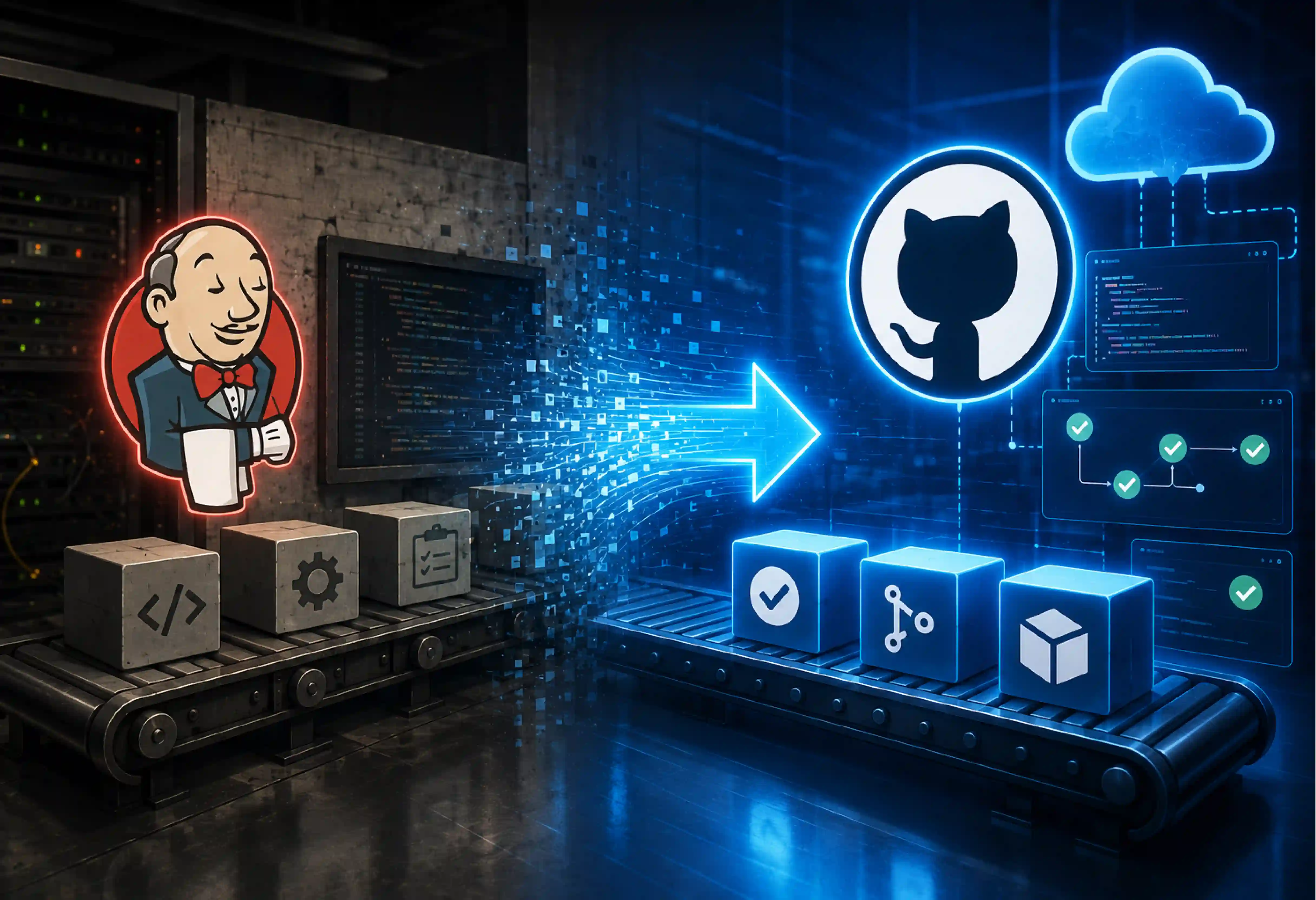


Jenkins was the ruler of CI/CD once upon a time. However, the solution does not fit since DevOps have to fix the Jenkins controller, debug plugin issues, and manage their own build servers. With the rise of cloud-native CI/CD and migration to the cloud, the traditional CI/CD stack (Jenkins) faces huge operational overhead. Migrating from Jenkins to GitHub Actions converts all server overhead to scalability.
This blog post will help you with the Jenkins to GitHub Actions migration and reduce your operational expenses at the same time.
Jenkins has been at the forefront of CI/CD technologies. But software application development and delivery have moved on. The market is moving towards a CI/CD platform that sits closer to their code, pull requests, security controls, and developer workflows. GitHub Actions is gaining popularity in this aspect.
Examples of popular CI/CD software include Jenkins and GitHub Actions. While Jenkins allows for many possibilities when dealing with conventional environments, GitHub Actions is a cloud-native application that comes bundled with developer utilities.
Jenkins to GitHub Actions migration involves the conversion of old CI/CD elements into new cloud-based elements. The following is the mapping of concepts for both platforms.
A Jenkinsfile typically defines pipeline stages, scripted logic, and execution behavior using Groovy. It maps directly to a YAML workflow file stored in the workflow folder. Jenkins stages generally map to jobs, while individual build, test, or deployment commands map to steps. Teams may also need to redesign dependencies between jobs using needs.
Jenkins pipelines run their workloads on agents with labels and environments. For GitHub Actions, runners are used. Pre-configured environments are provided by GitHub-hosted runners, whereas self-hosted runners provide support for private networks, custom software installations, and other unique needs. Labels of Jenkins must be aligned with runner labels.
The Jenkins plugins usually perform various functions, including source code control, cloud deployment, notification, security scanning, etc. GitHub Actions replaces some of these with marketplace actions, official setup actions, or custom actions. In the process of migration, each of these plugins must be examined and replaced by an equivalent rather than automatically replaced.
Jenkins Shared Libraries contain reusable pipeline logic that applies to all projects. GitHub Actions provides reusable workflows and composite actions for the same. Reusable workflows are good for job or deployment patterns, while composite actions are more appropriate for collections of repeated tasks.
Jenkins Credential Provider holds static passwords, API keys, and SSH keys. GitHub Actions uses the use of encrypted GitHub secrets on repository, environment, and organizational levels. Within cloud infrastructure, OIDC takes the place of static authentication with the use of short-lived and role-based access tokens.
Jenkins trigger maps to events such as push, pull_request, schedules, and workflow_dispatch for GitHub Actions. Build parameters can turn into workflow inputs. Conditional steps, job conditions, and notifications are required for most Jenkins post actions. It is also necessary to consider failure handling, approvals, and deployments while doing this mapping.
It may not be possible to migrate Jenkins pipelines to GitHub Actions in all cases. Rehosting, Replatforming, Refactoring, Repurchasing, Retaining, and Retiring ensure that the right amount of effort is spent on each workflow. This R-strategy framework helps teams decide the right path.
Wrapping existing shell or Groovy scripts in basic GitHub Actions runners with minimal changes. Jenkins agents map to GitHub-hosted or self-hosted runners. This migration strategy works well where the existing process is already effective.
This approach is used when teams want a cleaner pipeline without redesigning the entire delivery process. Jenkins plugins can be replaced with GitHub Marketplace actions and credentials, and can move to GitHub secrets or OIDC.
Some of the Jenkins pipelines require redesigning around reusable workflows, composite actions, matrix builds, environments, and GitHub-native automation.
This migration strategy involves replacing Jenkins-Based Capabilities and rebuilding every plugin-based feature; teams can evaluate GitHub Actions, GitHub packages, and GitHub environments.
Not every Jenkins job needs a replacement. Old applications, unused jobs, duplicate pipelines, and obsolete deployment workflows can be retired after proper dependency checks.
Some loads will necessarily remain on Jenkins because of legacy considerations, unique plugins, regulations, or other factors.
A good migration process never happens by a single method. Start by retiring dead jobs, replatforming standard builds to build momentum, and saving complete refactoring for your critical path applications. Balancing all migration strategies minimizes business risk.

Runner strategy determines where GitHub Actions workflows execute.
These are fully managed virtual machines directly maintained by GitHub. It helps in eliminating infrastructure overhead and ensures secure execution for standard builds.
Self-hosted Runners provide greater control over the environment. They fit workloads, custom tools, and private network access.
Migration from Jenkins to GitHub Actions needs to be planned in phases. Below are the requirements for migrating from Jenkins to GitHub Actions.
List all Jenkins jobs, pipelines, agents, plugins, shared libraries, credentials, triggers, dependencies, and deployment destinations. Categorize the rest of the workflow and pipeline jobs according to their complexity and significance to business operations.
Select either hosted runners or self-hosted runners. Hosted runners are preferred if you have no maintenance costs associated with your build, whereas self-hosted runners are preferred when the hardware, caching, and networking are an issue.
Use GitHub Actions Importer to assess Jenkins pipelines and generate GitHub Actions workflow files where supported. Now use it to translate Groovy Jenkinsfile logic into equivalent YAML workflows. Treat generated YAML as a starting point: review plugins, scripts, agents, environment variables, and custom Jenkins behavior before running it in production. It analyses Jenkins jobs and identifies compatible configurations and creates YAML files. The process for automating is
Not all Jenkins pipelines will get converted cleanly. Address unsupported plugins, custom shell scripts, and complex pipeline logic flagged during the automated conversion by rewriting them using native GitHub Marketplace actions. If direct translation is not supported in some places, refactor the workflows.
Move any hard-coded passwords to GitHub Actions secrets or environment-specific secrets. Set up OpenID Connect (OIDC) for cloud providers (AWS, Azure, GCP) to use short-term tokens for authentication instead of having persistent access credentials.
Compare the results by running both Jenkins and GitHub Actions in parallel. Running both of them for a certain period of time helps teams compare deployment behaviour, execution time, and failure patterns. This will reduce issues when moved to the production environment.
Move production workloads in controlled groups instead of switching everything at once. First move low-risk pipelines and monitor the results. After proper validation of workflow behaviour, move it to production deployments.
Verify build artifacts, test execution results, execution speed, and deployment parity across both environments until confidence is high. Compare artifacts, test coverage, environment variables, permissions, deployment results, notifications, and pipeline timing against Jenkins. Resolve differences before cutover. Archive historical build logs, back up server configurations, and set up a rollback behaviour.
Once required workloads have moved and agreed, shut down Jenkins jobs, agents, credentials, plugins, and associated resources. Try to retain required audit records and migration documentation before final decommissioning.
It is important to consider the cost of moving from Jenkins to GitHub Actions against the cost of running Jenkins rather than only the GitHub Actions minutes. Moving from Jenkins to GitHub Actions implies shifting the cost of maintaining servers to that of usage.
Standard GitHub-hosted runners charge granularly per minute (e.g., $0.006/min for 2-core Linux). Review historical Jenkins data to estimate workflow minutes by repository and workload.
Match runner capacity to workload requirements. GitHub-hosted runners can simplify operations, while self-hosted runners may make financial sense for high-volume workloads or specialized build environments.
For high-throughput or compute-heavy jobs, deploying auto-scaling self-hosted runners on ephemeral spot instances dramatically cuts compute expenses while preserving GitHub’s native workflow automation.
A Jenkins-to-GitHub Actions migration timeline depends on pipeline count, complexity, custom plugins, security requirements, and testing needs.
A standard team is made up of a Migration Lead, DevOps/GitHub engineer, CI/CD engineers, Build/Release Engineer, Security Expert, Application Owners, and QA Engineers.
Selecting between a specialist partner or an in-house partner to proceed with Jenkins to GitHub Actions migration depends on various factors. Those include pipeline complexity, migration scale, internal skills, and the timeline.
An in-house approach works well when teams have strong GitHub Actions, DevOps, security, and CI/CD skills. However, this approach carries hidden expenses. Internal teams must navigate complex Groovy-to-YAML refactoring, unsupported plugins, and OIDC setups with a steep learning curve.
Choosing a migration partner like Entrans reduces business risk. With our proven frameworks for migration, we carry out the Jenkins-to-GitHub Actions migration switch with ease and reduce the timeline by 60%.
Want to know more about it? Book a consultation call with us.
Consider in-house for smaller Jenkins environments and choose a partner when speed, scale, and specialized expertise are major factors.

Jenkins to GitHub Actions migration means moving CI/CD pipelines, jobs, triggers, credentials, and automation from Jenkins into GitHub Actions.
The whole process is essentially based on the conversion of Groovy Jenkins files to YAML GitHub Actions.
No. Jenkins is still used and maintained. However, developer adoption and community momentum have become more common for cloud-native platforms.
No. GitHub Actions Importer can automate 80% of the conversion process. Complex Groovy logic, custom plugins, and non-standard shell scripts require manual refactoring or custom transformers.
No. Downtime can be avoided by running both Jenkins and GitHub Actions in parallel. This can even be minimized by testing workflow parity and switching pipelines in controlled waves.
No. GitHub Actions replaces Jenkins' fixed server maintenance costs with pay-as-you-go consumption pricing. While direct minute costs can be higher for compute-heavy builds, it usually reduces overall Total Cost of Ownership (TCO) by eliminating dedicated DevOps maintenance labor.
Start with simple, low-risk pipelines and move on to moderate to complex pipelines. It is considered safe to do mission-critical production pipelines last.

-1.svg)