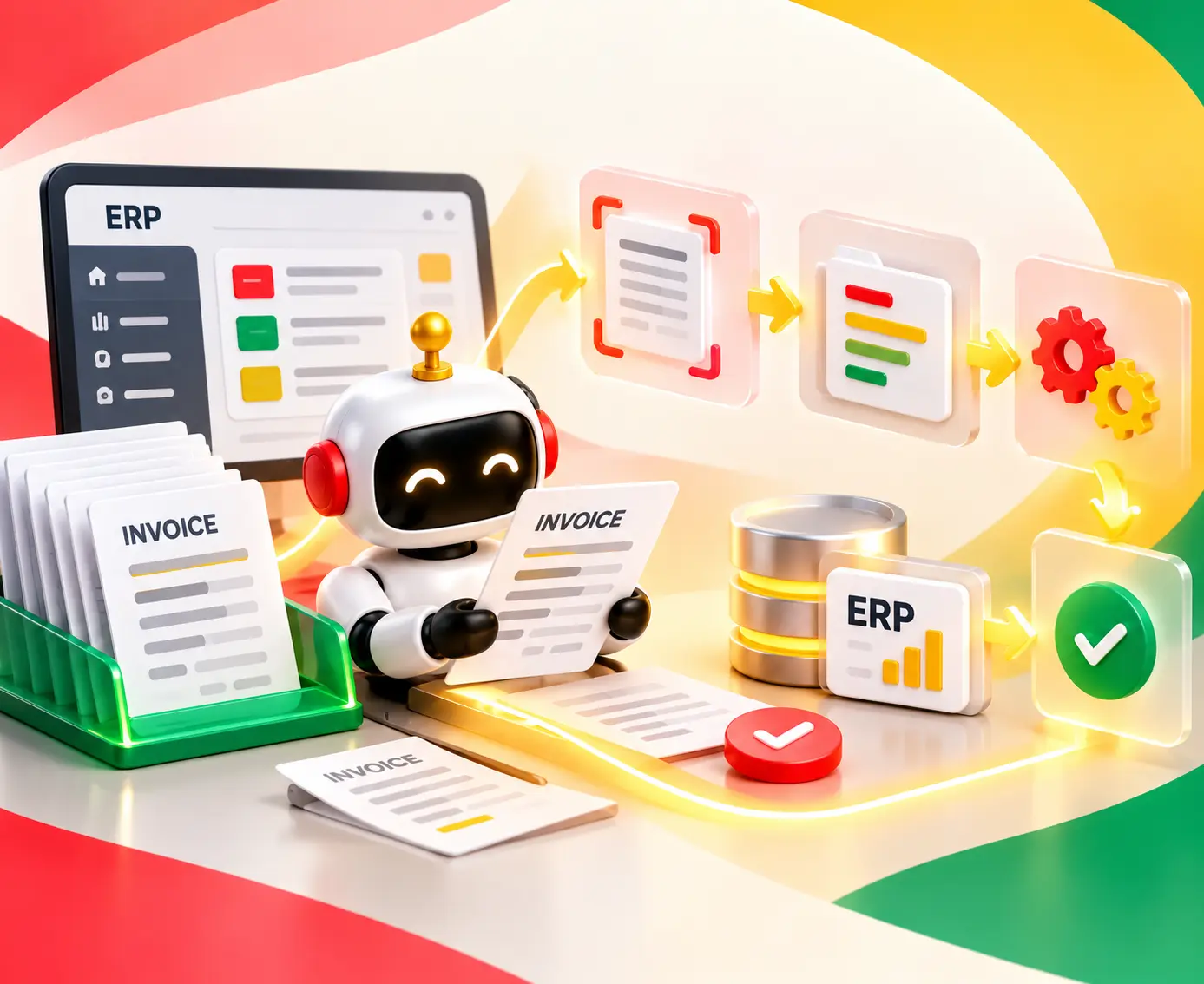
A complete guide to Zapier to n8n migration in 2026: costs, step-by-step process, common mistakes, and how to switch with zero downtime.

Agentic Unconference 2026 - September 19, Chennai
View Event →


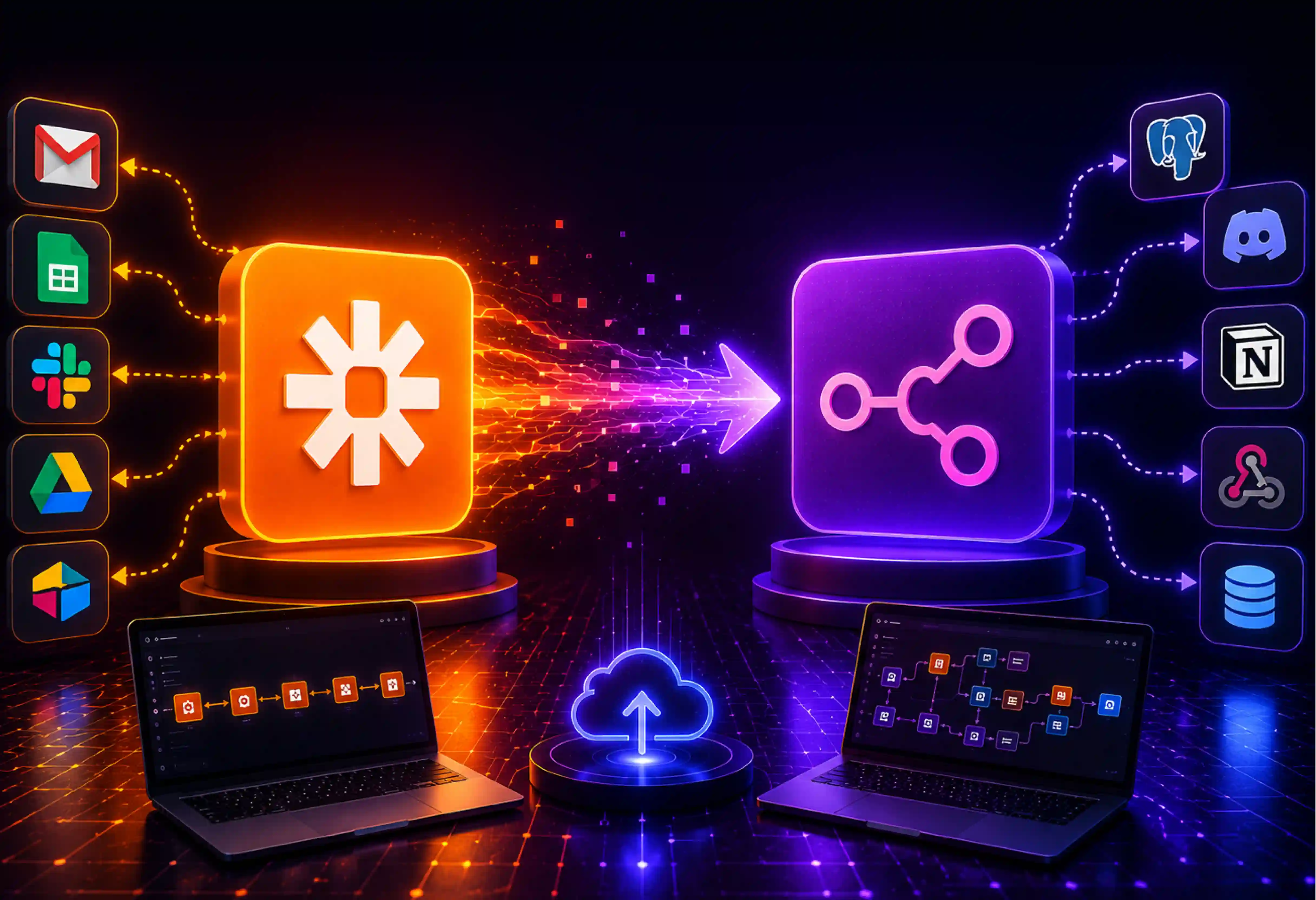


Zapier served well for simple, linear tasks, but when it comes to complex multi-agent AI systems, it sucks. If you are ready to break free from strict quotas, n8n is the logical next step.
Be it agentic AI, custom integrations, and advanced business automation, n8n has become the preferred choice of organizations to automate in 2026. Switching from Zapier to n8n is a standard sequential set of steps to node-based JSON logic sounds, but the actual process is highly repeatable.
In this article, we will see the required steps for a complete Zapier-to-n8n migration that covers the whole workflow assessment and setup to testing, deployment, and optimization.
Without doubt, Zapier was considered a frontrunner when it came to automating workflows. Making integration easy to do to the point that it is possible for anyone using just a mouse to automate a process. However, due to the growing level of complexity in automations, including the introduction of artificial intelligence, Zapier is being reconsidered. Today, the efficiency of scaling teams can be improved by looking at how other n8n workflow automation companies have structured their migrations to maintain operational continuity.
Zapier charges per task (individual actions executed within a workflow). But this does not work as task volume increases linearly. A workflow that appears simple may contain multiple actions, data enrichment, CRM updates, Slack notifications, email triggers, and AI processing steps.
Here, each step denotes one task and accounts for Zapier. In conclusion, Zapier is an excellent tool for use by small teams that require relatively simple automation needs, but complications come into play as the number of workflows grows. What's more, all workflows are entirely hosted and run on the Zapier platform, giving limited control to the organizations using them.
Zapier-to-n8n migration is not just about saving money; it’s about unlocking features that Zapier simply cannot support due to its cloud-only, closed-source architecture. Complex infrastructure designs can be helped by reviewing a comprehensive n8n workflow automation enterprise guide to ensure security protocols are met during deployment.
One of the significant advantages of n8n is self-hosting. Organizations can deploy n8n
Zapier lives entirely in the cloud on their servers. But n8n allows self-hosting, that is, one can spin it up on one's own secure cloud infrastructure, such as AWS, Google Cloud, or DigitalOcean.
In n8n, every single node passes the full raw data payload (JSON object). To execute those n8n offers, Code Node writes native JavaScript or Python to map, filter, or transform your data exactly how you want it.
Unlike other no-code platforms, n8n combines visual workflow building with technical extensibility. Teams can add custom JavaScript, call internal APIs, create advanced logic, and build custom integrations.
As n8n is not tied to a task-based pricing structure in self-hosted deployments, it has shown a consistent reduction in cost as automation volume grows.
Migration is not for everyone. Zapier-to-n8n migration might take time and engineering resources. During the transition phase, companies run both side-by-side.
n8n is a strong fit for
For complex custom logic setups, internal development strain can be helped by choosing to hire dedicated n8n developers who understand technical extensibility.
Zapier may still be a good choice in some cases
As the needs for automation are being altered, it has become apparent for many companies to check whether their platform is capable of scaling in the future. Some of the most popular platforms for automating currently include Zapier and n8n; however, they have different viewpoints. Deciding on the right tooling architecture can be improved by reading an in-depth n8n vs Zapier vs Make vs Workato comparison to weigh infrastructure differences.
Pricing is an important factor for many organizations to think about migrating from Zapier to n8n. Zapier charges based on task consumption. Each workflow accounts for monthly usage limits such as sending emails, updating CRM records, triggering notifications, processing AI requests, and moving data between applications. Pricing becomes tough as the automation volume increases.
n8n offers both cloud-hosted and self-hosted deployment options. With self-hosting, organizations gain more predictable costs because pricing is not tied to each workflow. This feature makes it attractive for businesses that need a large number of automations.
While evaluating long-term costs, SaaS should consider platform subscriptions, infrastructure expenses, maintenance requirements, workflow execution volume, AI workflow usage, and scaling requirements. For small teams, Zapier may look effective, but for organizations that deal with thousands of workflow executions, n8n is an apt choice.
Integrations are the foundation of any automation platform. With over 7,000 supported applications, every SaaS tool on the market builds and maintains a Zapier integration. If your workflow relies on prebuilt integrations, Zapier covers CRM platforms, marketing tools, e-commerce systems, communication platforms, and productivity applications.
n8n also supports hundreds of integrations and continues expanding rapidly. In addition to common connectors, n8n enables the creation of connections to virtually any API, building custom nodes, making internal connections, extending workflows using JavaScript, and connecting proprietary software.
Zapier has a closed-source, cloud-only, multi-tenant architecture. The need for control over the infrastructure itself has become more critical than ever before. But in certain cases, where highly sensitive medical records (HIPAA) or classified financial data are considered, Zapier’s workflows might pose a risk.
n8n allows you to self-host its platform directly on our own infrastructure using Docker or Kubernetes. They allow automation infrastructure on private cloud environments, enterprise servers, virtual private cloud (VPCs), internal networks, and hybrid architectures.
On a security concern, businesses prefer strict compliance obligations with greater visibility into data processing and storage.
Artificial intelligence is transforming workflow automation as businesses shift from basic data routing to building autonomous operations. Zapier handles AI linearly. Organizations have access to popular AI models, content generation, summarization, automation of AI-assisted functions, and workflow triggers using AI capabilities.
n8n has native integration with LangChain, making the platform an ideal IDE for building AI applications. Technical capabilities can be improved by learning how to build AI agents and automate workflows with n8n using advanced node-based frameworks. Businesses can create AI agents, multi-agent systems, RAG workflows, autonomous decision-making capabilities, and AI-enabled customer support systems.
Switching from Zapier to n8n is certainly an excellent decision to make. However, a seamless transition process requires well-thought-out planning to avoid potential data loss. The steps below help us achieve the same.
Do an inventory before starting construction of any node in n8n. List out the names of workflows along with triggers, applications involved, number of tasks, dependencies, and the owner of the process.
Segmentation of the workflows is based on three broad categories: Keep, Consolidate, or Delete.
For instance, workflows such as customer onboarding, order processing, and revenue management come under the critical category; internal notification, reporting workflow, and data synchronization come under the convenient category; and personal productivity workflows fall under the low-priority category.
Review existing costs and document monthly usage, current subscription costs, and workflow execution volumes.
After the audit is complete, the next step is finding Zaps workflow equivalent to n8n. First, understand the workflow structural differences in Zapier workflows.
Trigger → Action → Action → Action
n8n workflows support
Trigger → Logic → conditions → Loops → API Calls → AI actions → Multiple Paths
Now, after that, create a migration mapping document.
n8n allows for multi-trigger paths and complex branching within a single canvas. We can consolidate 3 to 4 separate linear Zaps into a single, elegant n8n workflow.
Now it is time to choose where your new automation engine will live. Either it is between n8n clouds or self-hosted n8n. n8n Cloud is best suited for faster deployment, reduced maintenance, and smaller technical teams.
However, n8n hosted on your own servers is recommended for use in enterprises, for compliance purposes, where there is a need for data control and customization of infrastructure. This is followed by security configuration, which involves user permissions, authentication options, credentials, access controls, and auditing. For self-hosted users, remember to configure a persistent PostgreSQL database for execution history. Isolation of development, test, and production environments makes workflows safer.
Migration should not be attempted at once for all processes. Begin with the selection of 2 or 3 high-volume processes that cannot fail to ensure testing of the new infrastructure, as well as familiarization of the team with the new user interface.
Instead of building hundreds of workflows, begin with 1 workflow, test it extensively, validate results, and implement it. This is done to ensure proper movement of data, working of business logic, integrations, and error handling.
One of the safest migration strategies is running both platforms simultaneously before fully switching over. Run both systems concurrently in a sandbox/parallel phase for 3 to 7 days to verify stability and iron out edge cases.
In this way, we can compare outputs, detect inconsistencies, identify workflow gaps, and validate business logic. If issues arise, organizations should be able to establish a rollback plan and rely on Zapier while fixes are implemented in n8n
Once n8n workflows have been validated and are working correctly with errors, you are ready to execute the final switch. Start by disabling workflows in stages, monitoring system behavior, and confirming stability. Document workflow ownership, architecture diagrams, maintenance procedures, security controls, and escalation processes.
Train the internal team on how to carry out n8n workflows, troubleshooting, request automation changes, and monitoring workflow health. Archive workflow documentation, export relevant records, remove unused integrations, and cancel unnecessary subscriptions.
A switch from Zapier to n8n is quite an intelligent step and can have multiple advantages for you. Yet, because the logic behind n8n and Zapier is entirely different, migrating without proper considerations may result in an unsuccessful transition.
Zapier-to-n8n migration might depend on the number of workflows, complexity, integration requirements, and level of testing needed. A typical migration begins with auditing existing Zapier workflows, actions, dependencies, and usage patterns. Then we need to map each Zap to its n8n equivalent and set up the n8n environment. The timeline taken to complete is
Zapier-to-n8n migration cost may vary according to the number of workflows, integration complexity, customization requirements, and deployment model. Migrating from Zapier to n8n involves two financial layers.
Small businesses handle simple Zaps; migration costs are typically limited to workflow rebuilding, testing, and configuration.
Unlike Zapier’s task-based pricing model, n8n offers greater control over execution costs, especially when self-hosted.
After following n8n, your recurring software costs drop significantly. Self-hosting requires minor DevOps, which takes 2 to 4 hours monthly for server patches and backups. For a company running 50,000 tasks monthly, shifting a $1,200/month Zapier bill to a $79/month n8n virtual private server yields a net savings of over $13,000.
Moving from simple, linear Zaps to node-based n8n architecture requires a deep understanding of nested JSON data objects. Entrans bridges this gap by deploying skilled n8n developers who specialize in custom Code Nodes, advanced JavaScript/TypeScript implementations, and native LLM orchestrations. We take out the guesswork from the entire migration process and analyze Zapier setups, map out matching steps in n8n, and handle painful reauthentication and data testing behind the scenes.
Want to know more about how we execute the massive cost savings using n8n pricing’s model? Book a consultation with us.

No. Zapier workflows cannot be imported directly into n8n, because Zapier uses a sequential step layout while n8n uses a node-based architecture. Again, we need to rebuild it using n8n’s workflow builder, nodes, and logic structure.
It is not always required. Most standard workflows can be recreated with n8n’s no-code interface, though complex automations may require some customized scripting.
No. There is no explicit export button in n8n. Manual mapping and rebuilding are required in n8n using the data structural logs from Zapier.
Not exactly, this can be exactly minimized by running both systems in parallel. This overlapping approach ensures zero downtime and prevents any data from slipping through cracks.
Yes. Security rules prevent platforms from sharing your private login tokens and API credentials. We need to create new credentials and reauthenticate connected applications within n8n. This ensures secure and reliable integrations.

-1.svg)