Discover how n8n workflow automation helps enterprise teams connect apps, cut costs by 70-90%, and run AI-native workflows at scale in 2026.

Agentic Unconference 2026 - September 19, Chennai
View Event →





There are dozens of applications we use every day, such as CRM, databases, emails, cloud services, AI tools, analytics systems, and software. Thinking of connecting it manually? Is it possible? This is where n8n workflow automation comes in. By easy synchronization of CRM data to orchestrating AI-powered operations, n8n helps teams move faster with fewer errors. It is helpful for both startups and enterprises looking to modernize operations.
In this article, we will see what n8n workflow automation is, how it is done, and the various benefits of using it.
n8n is an open-source workflow automation platform that allows users to connect applications, APIs, automate repetitive tasks, and databases through visual workflows with minimal coding. So what does n8n denote? It stands for the word Node-mation (Node + Automation), which perfectly describes what the tool does.
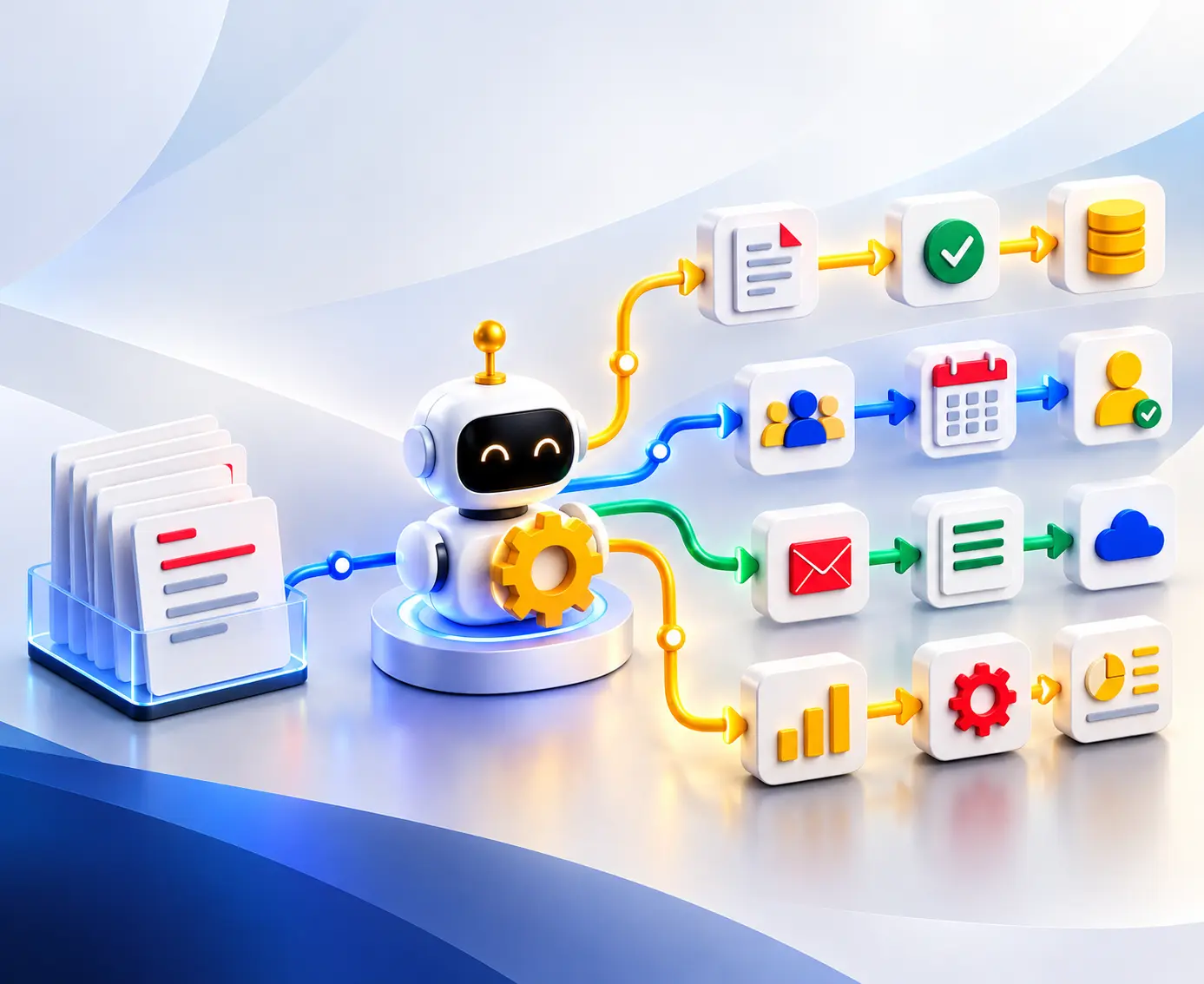
It works based on predefined rules and events. To explain in detail, n8n functions using a visual workflow approach called node-based automation. That is a series of connected boxes from left to right.
Each node represents a step in a process:
Users connect these nodes visually to create automated workflows. The components in the pipeline are
Because inputs and outputs are visible right next to each node, building and debugging workflows happen in tight, rapid feedback loops.
Basically, both traditional cloud-based platforms (such as Zapier or Make.com) and n8n share the goal of connecting apps; they differ in their architectures and working.
While legacy platforms like Zapier or Make remain popular for quick, lightweight tasks, n8n has emerged as the go-to execution layer for enterprise-grade automation. The reasons below show why n8n automation services are becoming so popular.
Legacy integration platforms treat LLM as an afterthought, but n8n gives it first preference. Knowing how to build AI agents and automate workflows with n8n can be helped by utilizing these native nodes to orchestrate deep reasoning pipelines.
n8n is gaining traction because it supports:
n8n embeds native nodes for Langchain, advanced prompt engineering, vector stores, and memory. n8n acts as a brain for the enterprise, coordinating autonomous agents that can reason, parse unstructured data, make predictive decisions, and use internal tools safely.
Because of its open-source architecture, enterprises are increasingly wanting control over their automation stack instead of depending on SaaS vendors. Self-hosting allows organizations to keep sensitive data within their own infrastructure. This is especially important in regulated industries such as finance, healthcare, and government sectors, where data sovereignty and compliance requirements are strict.
High-volume enterprise syncing on traditional SaaS integration platforms quickly becomes cost-prohibitive due to pay-per-task pricing models. n8n’s self-hosted model significantly reduces operational costs because enterprises pay for infrastructure rather than execution volume. This cost efficiency is becoming increasingly attractive as AI automation usage explodes across departments.
Modern enterprise teams are mixed environments:
n8n appeals to all four groups simultaneously. Its visual workflow builder helps non-developers understand workflows, while developers can still write custom JavaScript, connect APIs, and version control workflows as JSON.
As AI workflows grow more autonomous, enterprises are paying closer attention to governance and security. With regulations like the EU AI Act taking effect alongside updated GDPR and HIPAA frameworks, enterprises can no longer afford to send sensitive corporate data or customer PII (Personally Identifiable Information) through third-party cloud aggregators. Credentials remain completely within the corporate firewall. This makes it a preferred choice for highly regulated sectors like fintech, healthcare, etc.
n8n enables teams to build workflows visually while supporting advanced customization. This intuition reduces the development time for integrations and automation projects. They have also shown improvements in speed and a reduction in manual errors. For enterprises, this translates into faster delivery cycles, reduced operational overhead, and lower dependency on large engineering teams.
From lead management to customer support to AI-powered operations and enterprise integrations, n8n has become the fastest-growing automation platform for modern digital business. Reviewing workflow automation trends can help to predict how these operational efficiencies scale across different market sectors over time. Here is why n8n workflow automation is becoming the go-to automation engine for businesses worldwide.
Cost is one of the major reasons to switch to n8n. Platforms such as Zapier and Make charge based on tasks, a pay-per-task model, operations, or workflow executions. n8n offers a powerful self-hosted option and a highly disruptive cloud tier. Businesses can run millions of complex, multi-step workflows without worrying about arbitrary task-counting fees. By switching to n8n, companies routinely slash their automation overhead by 70% to 90% compared to Zapier and Make, allowing them to reinvest that capital into core business growth. n8n’s pricing model makes it attractive for:
Organizations that automate heavily see substantial long-term savings compared to traditional SaaS automation platforms.
Security and compliance are two major concerns for enterprises, especially in industries such as finance, healthcare, and manufacturing. When you use traditional SaaS automation tools, your proprietary business data, customer details, and financial records must travel through external servers. For healthcare, finance, or legal tech companies, this is often a dealbreaker. n8n solves this natively by offering an open, self-hosted deployment option. It can be installed directly on AWS, GCP, or Azure, which guarantees full data sovereignty.
This gives businesses complete control over:
Self-hosting enables organizations to:
AI is becoming an integral part of enterprise operations. n8n is an evolving AI-native automation platform, and it is being used as an orchestration layer. It is used to connect AI models with internal systems, automate AI-powered decision-making, build autonomous workflows, and integrate LLMs into business operations. With native support for APIs, webhooks, databases, vector stores, and AI services, n8n enables companies to create workflows such as:
Cost savings are a factor that gives permission for unlimited scalability. In traditional automation platforms, there is always a fear of writing complex code or batching data in unnatural ways just to avoid triggering extra “tasks”. But n8n removes these limitations by giving greater execution flexibility, unlimited workflow scaling potential, better performance control, and predictable operational costs.
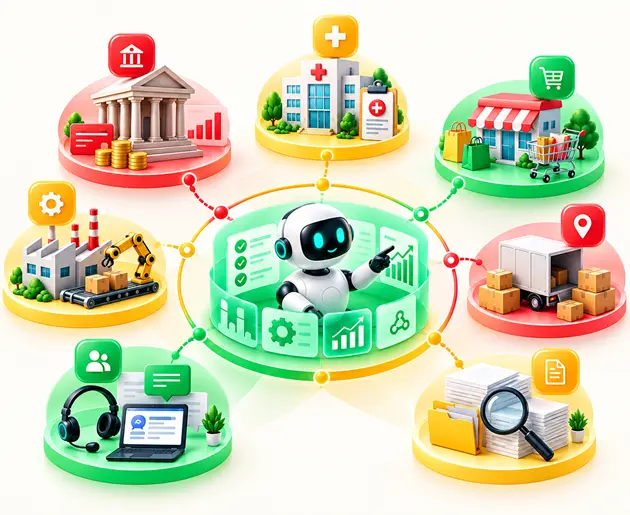
Organizations across industries use n8n for:
Many companies also use n8n as the orchestration layer between AI systems and enterprise applications. Real-world deployment strategies can be improved by analyzing diverse n8n workflow automation examples to see exactly how these connections operate in live ecosystems.
Maintenance of CRM (Hubspot, Salesforce, or Pipedrive) is a difficult task. Any miss in the manual records results in scattered records, missed follow-ups, and duplicate contacts. Using n8n, we can automate the entire lifecycle of a sales lead. A sample n8n workflow automation can be denoted by
Post-call updates are also supported by n8n to ingest raw call recordings or transcript webhooks, feed them to the LLm node, and update the CRM deal stage.
The marketing team uses multiple platforms for campaigns, analytics, capturing leads, and customer engagement. Managing all of them is a tedious task. n8n helps to automate this by capturing end-to-end workflows such as
These automated steps reduce operational overhead by improving response time and help in running the campaign effectively.
The Human Resources department manages many repetitive administrative tasks that are ideal for workflow automation. n8n can help in many ways, including employee onboarding, collecting the documents, interview scheduling, IT access request, payroll system updates, leave management, and helping with offboarding the employees, too.
For example, an onboarding workflow may:
By following these steps, onboarding becomes a smoother experience by reducing delays and manual coordination between departments.
The manual processing of vendor invoices is notoriously slow, taking average teams over a week to manually route, verify, and log bills. n8n converts this friction into a hands-off, near-instant pipeline using multi-modal AI capabilities. n8n helps automate financial operations by integrating accounting systems, ERP platforms, databases, and communication tools.
Common finance automation use cases include:
n8n has reduced processing time, minimized errors, and improved financial visibility.
IT and DevOps teams use n8n to automate infrastructure operations, monitoring, deployment workflows, and incident management. Popular DevOps automation workflows include:
Because n8n allows you to inject raw JavaScript or Python snippets directly into any visual workflow node, your infrastructure is never limited by pre-built features.
Deciding to optimize your business operations with n8n is a major step toward cutting overhead and embracing AI-driven workflows. However, transitioning from your current setup to a fully automated infrastructure requires making a few strategic choices upfront. Before exploring n8n, try to find answers to the questions below.
Before deploying any automation platform, businesses should identify processes that are:
The best early automation projects are usually easy to measure, low risk, high frequency, and operationally important.
n8n uses visual workflows that connect applications, APIs, databases, and internal systems.
A sample workflow includes
The first architectural decision you will face is where your automation engine actually lives. Unlike legacy platforms, n8n gives you complete freedom over your infrastructure.
n8n is usually a low-code tool, but it differs from drag-and-drop builders. It bridges the gap between visual interface convenience and developer-level execution. However, successful automation still requires the right skill.
The answer lies in your internal capabilities, automation complexity, and business goals.
The internal team works well if
Hiring an external n8n expert can accelerate implementation significantly.
n8n is flexible and powerful; successful implementation depends heavily on workflow architecture, integration quality, infrastructure planning, and long-term scalability. Partnering with professional n8n workflow automation companies can be helped by filtering for vendors who have established enterprise case studies and deep infrastructure expertise. We need to consider the following factors.
Automating workflows can significantly improve operational efficiency, reduce manual work, and accelerate business processes. However, we encounter challenges when implementing automation at scale. The common mistakes are
Without optimizing the workflows, if we try to automate the processes, it will lead to a big failure. Automation should improve workflows — not simply accelerate existing inefficiencies. To overcome this, analyze the existing process, structure it, and remove unnecessary steps, standardize approvals and data flows, and define workflow ownership clearly.
When a business process grows, it’s easy to just keep adding nodes to a single canvas. Before you know it, you are looking at a monolithic, 70-node monstrosity with crisscrossing lines that looks like an art installation. To overcome this, follow the software engineering principle of modular design. Keep individual workflows focused on one specific job.
A workflow that seems to work in the testing phase may fail in production due to API outages, authentication failures, rate limits, missing data, and network interruptions. To mitigate this, retry mechanisms, fallback logic, error notifications, logging, conditional handling, and dead-letter workflows for failed executions.
Adding an API key, a bearer token, or a password directly into an HTTP Request node header or a Code node string. Hardcoded secrets turn your workflows into massive security liabilities. To overcome this, use n8n’s built-in Credentials Management systems. It encrypts the data at rest and completely decouples your authentication secrets.
Choosing the right automation strategy can dramatically improve efficiency, reduce manual work, and streamline business processes. Entrans, as an n8n workflow automation company, enables businesses to build flexible, scalable workflows across sales, marketing, finance, HR, IT, and AI systems. Check out our case study in which we have automated Loan Delinquency Workflows for a Loan Management Enterprise.
The process we follow is
Explore n8n today and build workflows that can exactly match your business needs. Book a consultation with us.

n8n can integrate with CRM, ERPs,d databases, cloud platforms, AI tools, communications apps, APIs, and internal systems. It can connect to nearly 1800 applications to connect any unlisted applications. You can easily connect using a generic webhook and HTTP Request nodes.
Yes. n8n offers a managed, cloud-based platform called n8n Cloud that requires zero server maintenance. It also supports self-hosted deployments for organizations needing greater control and data privacy.
n8n is often more cost-effective for high-volume and enterprise-scale automation. Zapier or Make charges you per task, that is, for every action inside a workflow, it counts.
When a self-hosted server crashes, your workflows stop executing entirely, causing scheduled tasks to pause and incoming third-party webhooks to fail. Businesses typically use backups, monitoring, failover systems, and high-availability setups to minimize downtime.
Yes. n8n can be fully self-hosted on private sensors, cloud infrastructure, or Kubernetes environments. This gives businesses greater control over security, compliance, scalability, and workflow data.

-1.svg)