Compare n8n vs Zapier vs Make vs Workato for enterprise automation in 2026. See pricing, AI features, data privacy, and which platform fits your stack.

Agentic Unconference 2026 - September 19, Chennai
View Event →




Using automation in a company is not about linking different programs together. If you make one choice when picking an automation tool, it can use up all of your information technology budget and put the company data at risk. Choosing the automation tool can be a big mistake for the company's data and the information technology budget.
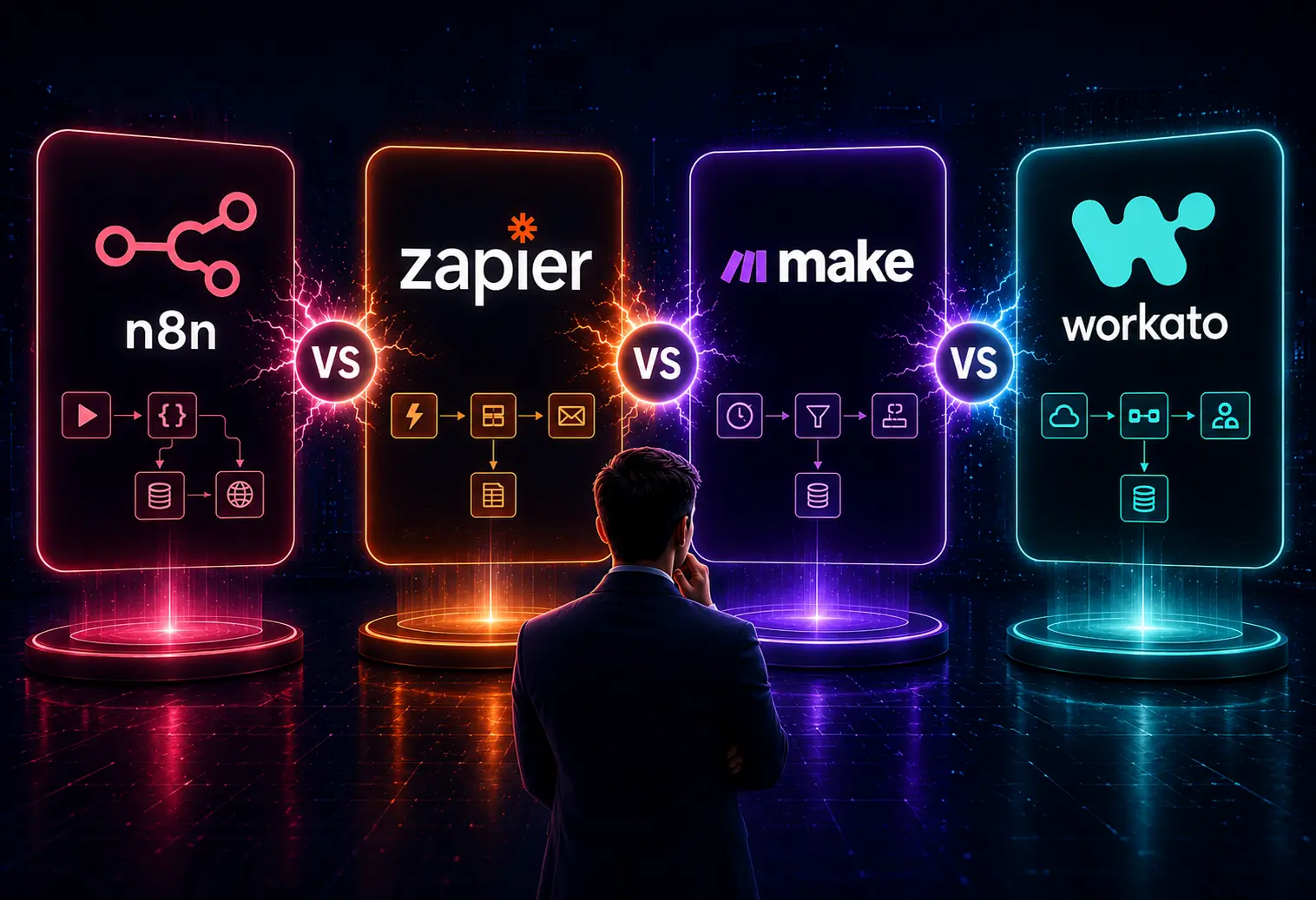
The next thing that comes to mind is which one to choose: n8n, Zapier, Make, or Workato?.
In this post, we will see in detail the alternatives to n8n workflow automation / n8n vs Zapier, how they differ, and give flexibility in aligning with the business goals.
Depending on requirements, choosing the automation tool is really important. On a quicker note, choose
n8n is an open source workflow automation platform that helps integrate applications. From which complex workflows could be created using a drag-and-drop interface, along with the ability to create your own code.
Unlike other traditional automation tools, it gives greater flexibility and control. Complex system integration can be improved significantly if you hire dedicated n8n developer resources to manage the underlying infrastructure. It can be hosted on your own servers to guarantee complete data privacy and process massive columns without per-task fee limits.
When comparing n8n and Zapier, remember you're not just looking at feature lists; you're picking between two automation tools. Their core difference lies in how they handle those features.
n8n uses an execution-based model on its cloud plans. Both cloud-hosted and self-hosted deployment options are supported in n8n. Organizations that self-host can significantly reduce long-term automation costs, especially when running a large number of workflows.
Zapier uses a task-based pricing model. Each step of automation counts as a task. So even for smaller teams, the costs can go up high.
n8n generally provides a lower total cost of ownership even for high volumes of complex, multi-step workflows. Zapier seems cost-effective only for low-volume, simple routines. Pricing is an important factor when choosing an automation platform.
n8n offers a more curated set of about 400+ integrations. Connecting to applications virtually through APIs, webhooks, and custom nodes. In case your tool lacks an integration, you can connect to the API directly using traditional means.
Zapier has a large set of over 7,000+ app integrations. Pretty much every specialty SaaS, real estate CRM, or local marketing app out there is available. Zapier does well when it comes to popular apps.
Choose Zapier for its instant out-of-the-box variety. n8n is used when custom integrations and API flexibility are priorities.
n8n capabilities include AI agent orchestration, LLM integrations, Retrieval Augmented Generation (RAG) workflows, multi-step AI decision-making, and custom AI pipelines. n8n is optimized for LangChain and agentic workflows.
Zapier provides basic AI features, such as AI Copilot, to build workflows. Easily, non-technical users can integrate AI into workflows.
n8n is a sure shot winner in this because it builds Agentic workflows and complex AI structures.
n8n runs on fair code that can self-host using Docker, Kubernetes, or npm. This setup gives users complete control over their infrastructure. Plus, it offers flexible compliance, private cloud deployment, and improved data sovereignty.
On the other hand, Zapier operates mainly on a cloud-based SaaS model. Because of this, all data passes through their US-based servers. So, while 8n allows for more local control, Zapier requires data to move through their stateside cloud servers.
n8n is a clear choice because it follows strict compliance or governance requirements.
n8n enterprise deployments can support private networking, Single Sign-on (SSO), and role-based access controls. Implementation of these protocols can be helped by referencing a comprehensive n8n workflow automation enterprise guide to ensure alignment with standard compliance frameworks.
Zapier offers enterprise security features, including SSO, administrative controls, audit capabilities, and enterprise governance features. These features are robust but remain tied to the SaaS environment.
Both n8n and Zapier offer security, and one can choose based on requirements. Zapier offers easy, managed cloud compliance, while n8n offers absolute network-level security control.
n8n is designed for highly customized and large-scale automation deployments. Due to its self-hosted scalability, infrastructure optimization, complex workflow orchestration, and reduced marginal costs at scale.
Zapier handles standard business automation effectively and scales well for many organizations.
Large workflow volumes typically gain more scalability and cost efficiency from n8n.
Comparing both n8n and Make is like choosing between the two best visual workflow builders on the market that can handle complex logic. Their head-to-head comparison is given below.
n8n uses execution-based pricing for its cloud version. One execution covers the entire workflow run from start to finish, whether it processes 1 lead or 1,000 leads in a loop. Benefits of n8n include open-source availability, flexible hosting options, predictable costs for self-hosted environments, and lower expenses at large automation volumes. n8n is cost-effective for businesses that support thousands of workflow executions.
Make works on an operation-based pricing model. Whenever an operation is counted, every single time a module executes a task. If a workflow grabs 50 new leads from a database and updates them in your CRM, it counts as 50 separate operations. While Make is cheaper than Zapier, it can use up your operation limit fast, so be careful with your allowance.
Depending on the use case, one can select between n8n or Make. For small and medium workloads, Make is easier to adopt initially, and for long-term cost efficiency, n8n works better.
n8n is built specifically for technical teams and developers. While it has an easy visual editor, it provides Code Nodes directly into the canvas to manipulate data arrays using standard JavaScript or Python. Internal training for engineering teams can be improved by reviewing standard n8n developer skills, roles, and how to hire documentation to understand technical benchmarks.
Make provides a highly visual interface with instant data previews. More powerful built-in functions for mapping data, filtering, and splitting variables are provided. But sometimes specialized automation requirements may eventually hit platform limitations.
n8n seems to be more flexible, which requires custom integrations, developer control, or advanced automation logic.
Consider n8n if there is a requirement for
Consider Make if there is a requirement for
As companies grow and ramp up automation, they typically look past simple tools to more advanced platforms. They need these for complex tasks and strict management rules. When comparing n8n and Workato in big business, different views on automation come into play. n8n favors developers with control over data, while Workato leans towards IT oversight and broader access.
n8n treats automation like it's part of the engineering stack. That's why software engineers, technical product managers, and DevOps teams love it. You can control workflows in n8n with version control, code reviews, and regular CI/CD deployments, too.
Workato targets “Enterprise Automation” or “Integration Platform as a Service” (iPaaS). They back Democratic Automation, which lets non-technical folks like business analysts in HR, Finance, or Sales Ops build complex workflows within bounds set by central IT.
When it comes to deployment, hosting, and keeping your data under control, n8n is pretty handy. You can self-host, set up a private cloud, or go for on-premises installs – and with that, you fully own the infrastructure too. This way, your data stays within your network all the time. Meeting GDPR, HIPAA, or tight internal rules is way easier with n8n. They support self-hosting, private clouds, on-premises setups, and full infra ownership.
Since data stays within your network, compliance is super simple, whether it’s GDPR, HIPAA, or strict data policies.
Workato is a multi-tenant cloud platform. While they provide elite security layers, data must pass through Workato’s infrastructure to be processed.
When the requirements are with strict regulatory, security, or data sovereignty requirements, often the n8n is preferred.
n8n provides advanced role-based access control (RBAC) and team spaces. Authentication protocols such as SAML, OIDC, and SSO native support are also provided.
Workato is built specifically for enterprise adoption and provides Single Sign-On (SSO), Role-based access controls, audit trails, governance frameworks, and compliance certifications.
Workato has a slight advantage in out-of-the-box enterprise governance and compliance capabilities.
n8n offers flexible deployment models, including self-hosting. Both cloud and self-hosting are supported with n8n. If you self-host, you pay for the software license and your own underlying cloud infrastructure.
Workato is famously expensive, with annual custom contracts typically starting well into five figures and scaling heavily into six figures based on the number of active recipes (workflows) and connection endpoints. Challenges include higher licensing costs, and enterprise contracts can be significant.
n8n seems more economical, particularly for large-scale automation programs.
The table below shows the automation tools' strengths and which one to choose.
Check out our case study in which we have automated Loan Delinquency Workflows for a Loan Management Enterprise.
The process we followed is to identify key automation areas, design scalable systems, and integrate CRMs, ERPs, databases, APIs, and AI platforms, implement secure hosting, build smart automations, optimize everything for better results, cut costs, and save effort. Just follow these steps.
Moving from Zapier to n8n is one of the most effective ways to scale your automations. Migration can slash the cost by 70-90%. The steps to be carried out to migrate from Zapier to n8n are
While simple workflows can often be migrated in-house, larger automation ecosystems typically require careful planning and optimization. Bringing in an expert like Entrans ensures a clean transition without business disruption.
With the help of our n8n developers, we can cut the repetitive work and reduce cleanup. They follow an end-to-end workflow architecture, advanced JavaScript and Logic implementation, API integrations, and Webhooks.
Our developers extend n8n beyond default capabilities. Hire n8n experts to create Custom nodes or reusable sub-workflows when standard integrations fall short of your expectations.
Want to know how we keep the automation roadmap on track? Book a consultation with us.

The main difference between n8n, Zapier, and Make is that n8n is an open-source and highly customizable platform. Zapier focuses on simple interfaces, and Make provides a visual workflow builder with more flexibility.
n8n is often considered the safest for protecting data privacy and compliance. While Zapier and Make offer strong cloud-based compliance, only self-hosting n8n eliminates third-party data processing risks.
n8n leads advanced automation with native Langchain nodes, multi-agent orchestration tools, and provides direct support for self-hosted LLMs. Setting up these specialized autonomous setups can be helped by learning how to build AI agents to automate workflows n8n to unlock advanced decision-making capabilities. Zapier and Make provide capable AI assistants and pre-built AI tool connections, but it is expensive.
Yes. n8n can replace Zapier or Make. n8n can completely substitute their functionality by offering a similar visual workflow builder, but shifts the pricing model.
No. Migration is moderate, while it is simple “trigger and action” workflows that can be recreated in a few minutes. Complex automations may require additional planning, optimization, and validation during the transition process.

-1.svg)